Android
Step 1: Configure Web Server
Passkey functionality requires server configuration and can only be used after coordination with Player Network developers has been completed.
For more information, please contact your Player Network representative.
Step 2: Configure Passkey in Player Network SDK
Add PASSKEY_ENABLE = 1 in the INTLConfig.ini file to enable Passkey functionality. For details, see PASSKEY_ENABLE.
Step 3: Test Passkey Functionality
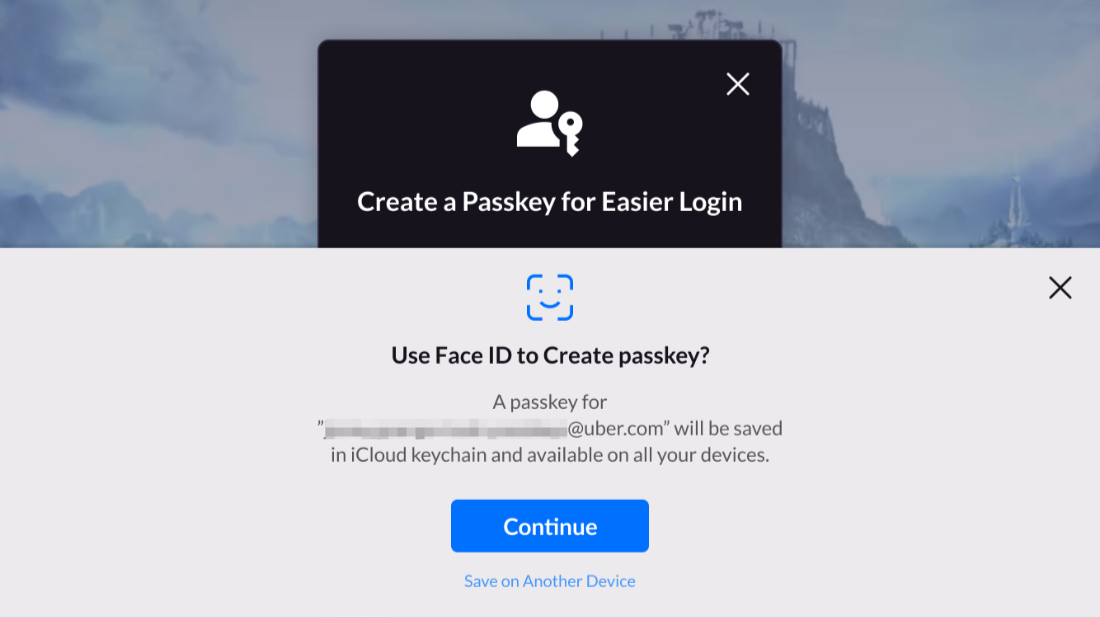
After repackaging, click Passkey on the LI PASS login panel to confirm that the Passkey interface displays normally.