pro-lipass-pc
PC Store Solution
There are different LI PASS standard login processes for independently published services and those published via Epic/Steam.
The LI PASS standard login process for independently published services is identical to the mobile services.The following introduces the LI PASS standard user login process for services published through Steam or Epic.
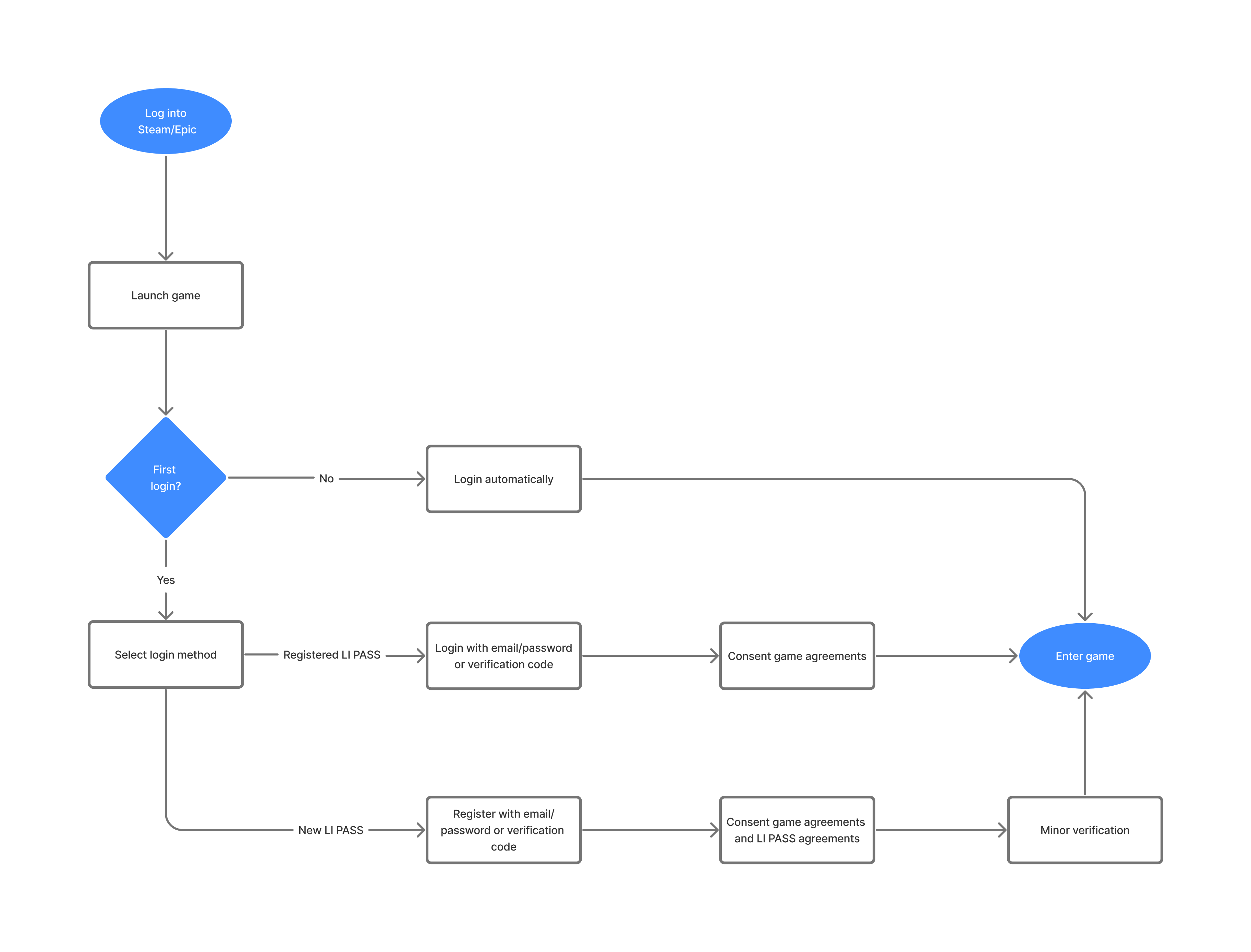
For PC services published through Steam or Epic, players need to first log in to their Steam or Epic account, then open the game from the logged-in platform.After opening the game, new and existing players experience different LI PASS user login processes.
For LI PASS existing players who are not opening the game for the first time, they will enter the game directly with no additional actions required.
For LI PASS existing players opening the game for the first time, they need to log in to LI PASS via account login or email login after opening the game, then enter the game.
New players using LI PASS for the first time will need to register LI PASS before continuing the user login process. The registered LI PASS will be automatically linked to their logged-in Steam or Epic account.
Registration
The default LI PASS user login process supports players registering LI PASS either manually or automatically.
Manual Registration
-
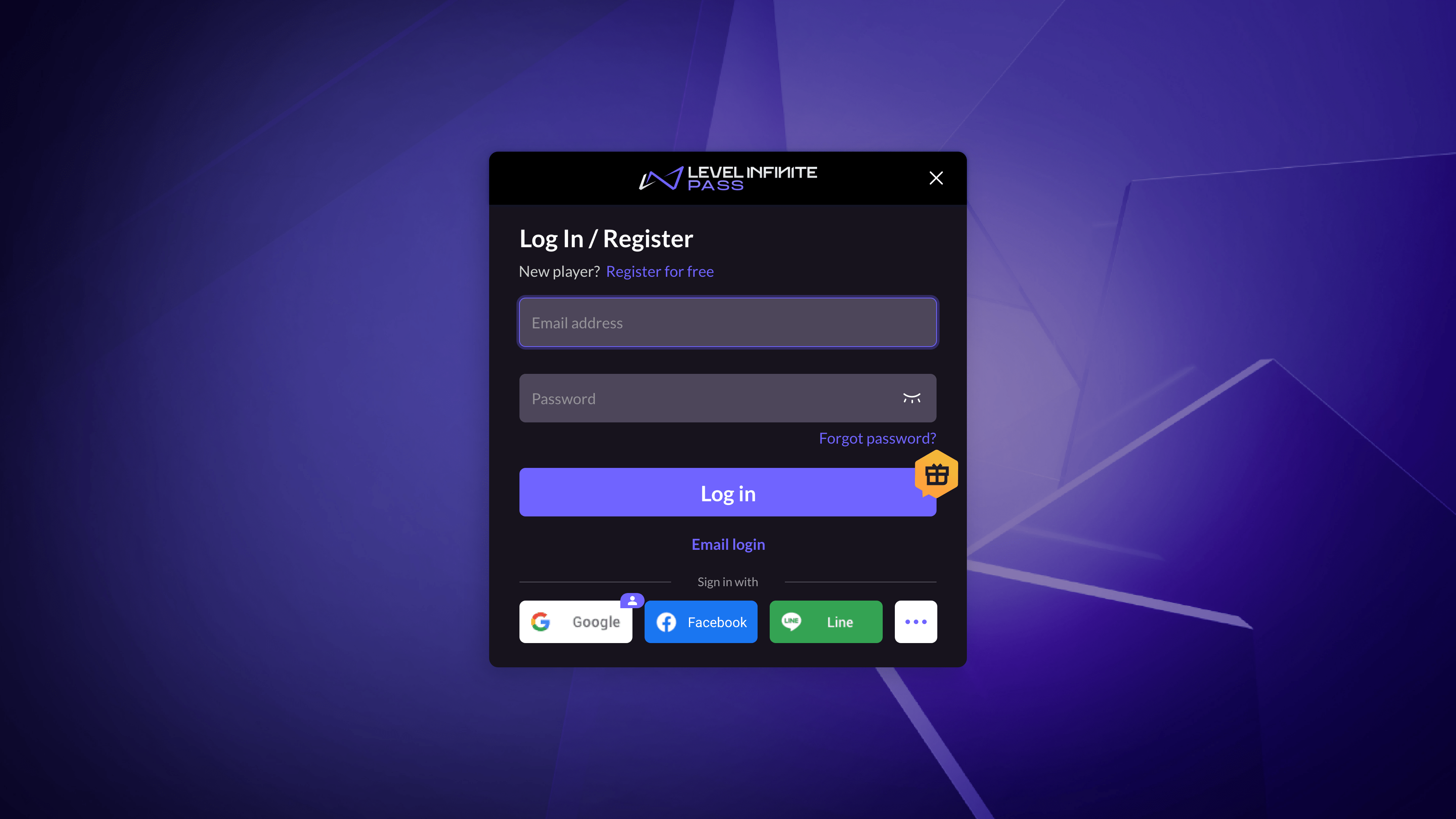
Players click Free Registration, opening the Create Account page.
-
Players input their email address, verify its validity using a verification code, and confirm the LI PASS password.After this, players click Register, opening the Agreement page.
-
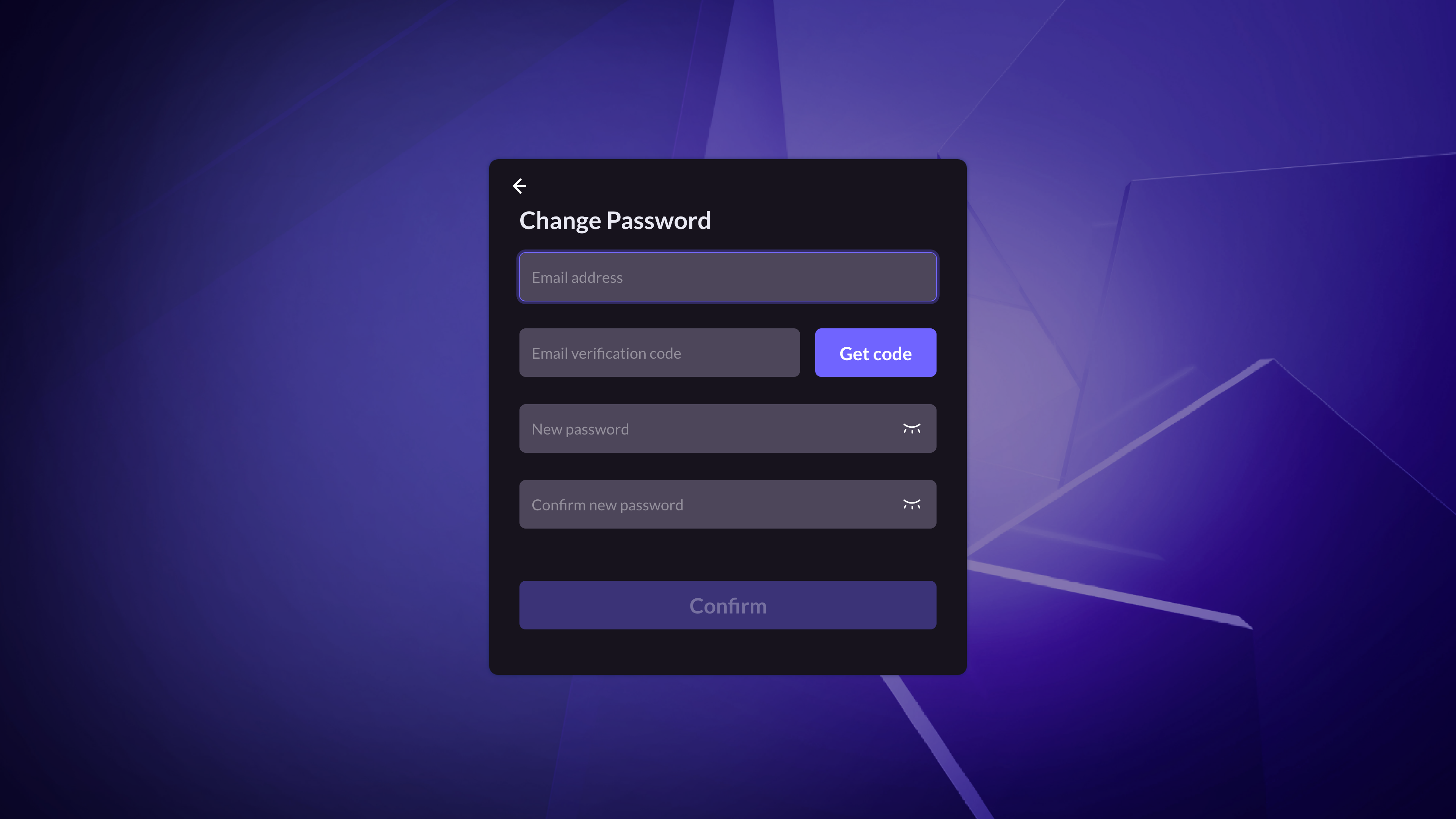
Players select their Country/Region.The agreements players must accept will automatically adjust based on the selected country or region.
LI PASS will first show the player’s region based on their IP and the necessary compliance agreements for that area.For detailed compliance processes for each region, please refer to the Compliance Examples.
-
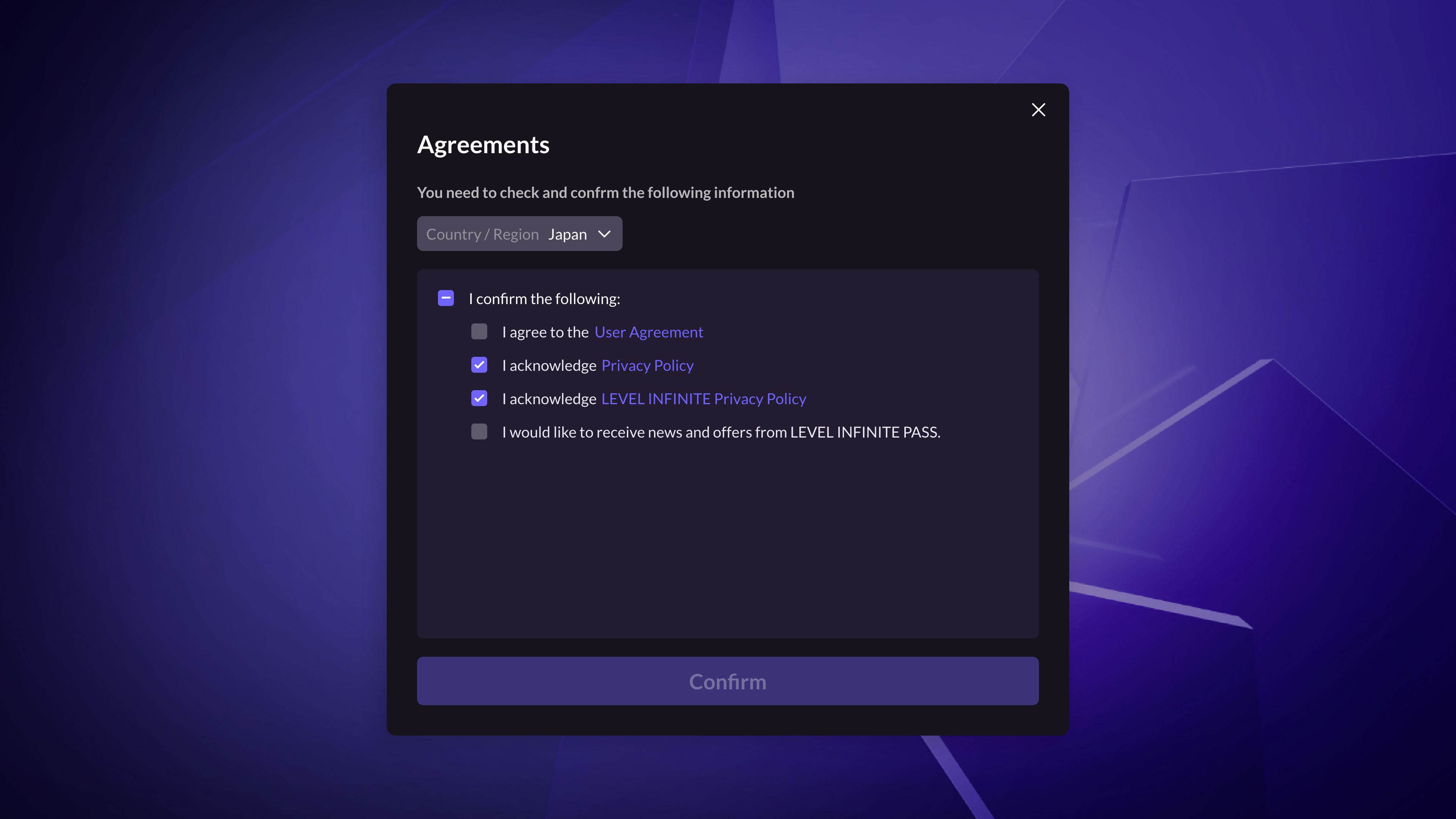
After clicking Confirm, players will be redirected back to the login interface with a notification indicating successful registration.
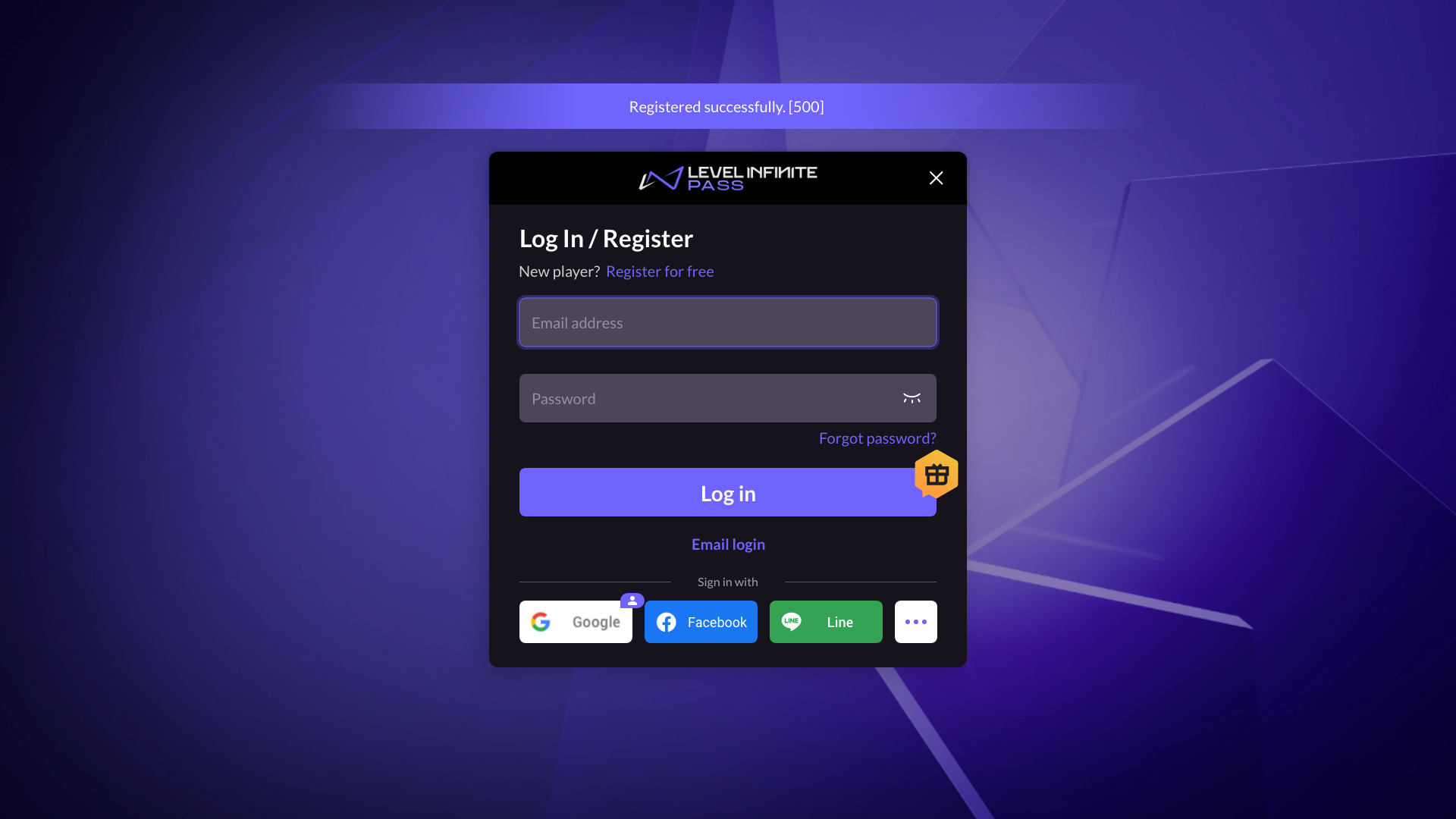 -
Players will then proceed with the login process detailed below.
Automatic Registration
-
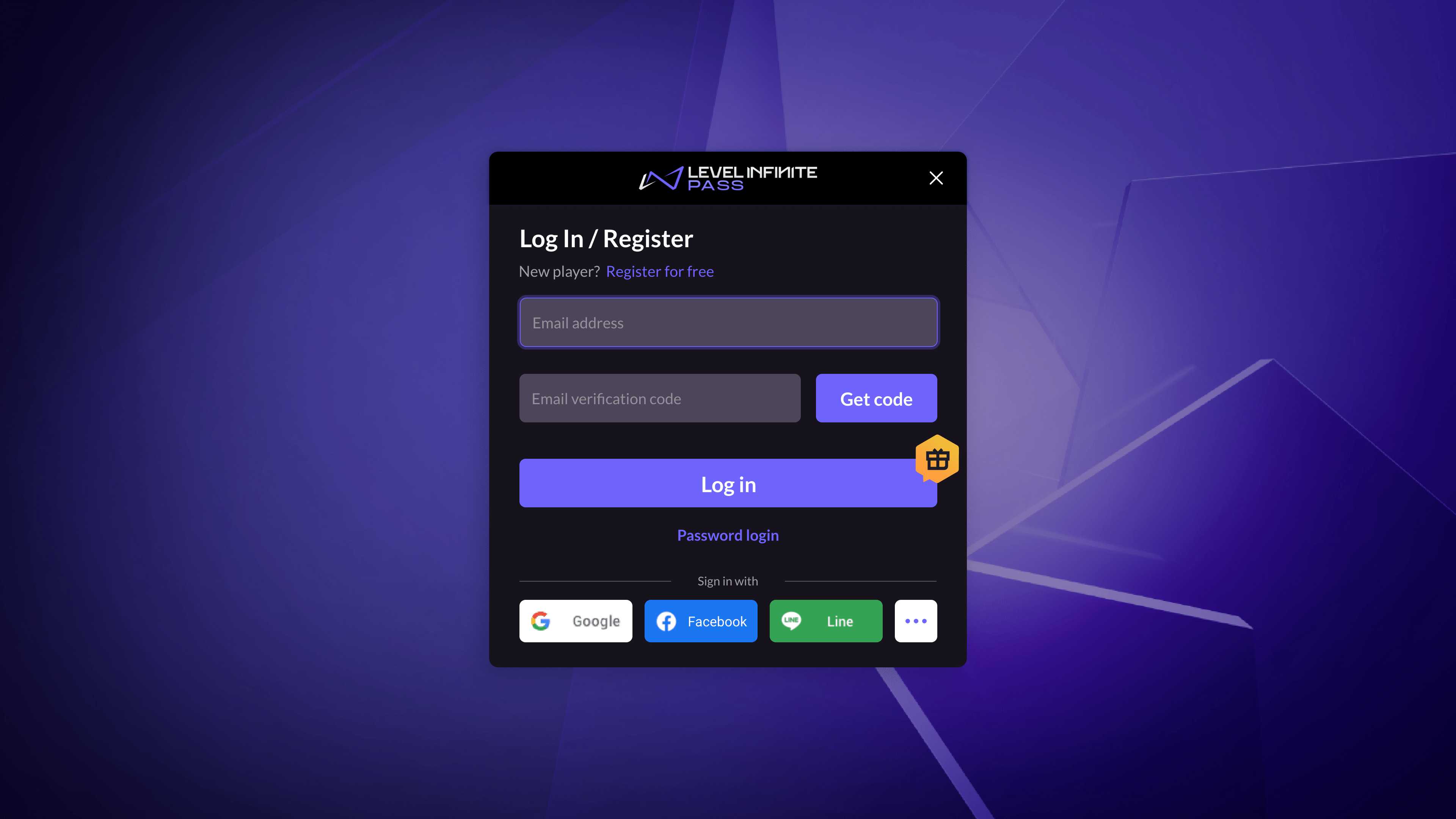
Players click Email Login, switching to email address and verification code login.
-
Players input their email address and verify its validity using a verification code, then click Login to open the Agreement page.
-
Players select their Country/Region.The agreements players must accept will automatically adjust based on the selected country or region.
LI PASS will first show the player’s region based on their IP and the necessary compliance agreements for that area.For detailed compliance processes for each region, please refer to the Compliance Examples.

-
After clicking Confirm, players will be redirected back to the login interface with a notification indicating successful registration.
 -
Players will then proceed with the login process detailed below.
Login
The default LI PASS user login process supports players logging into the game via account login or email login.
Account Login
On the Login/Register page, players input their email address and password, then click Login to enter the game.
Email Login
-
Players click Email Login, switching to email address and verification code login.
-
Players input their email address and click Get Verification Code.LI PASS will then send a verification code to the email provided by the player.
-
Players input the received verification code to confirm their identity, then click Login to enter the game.
Login Channel Description
// pc has no guest channel
Third-party Channel Introduction
Account Binding
Binding is done internally within LI Pass, no access needed from services.
Account Binding Relationship Diagram
//todo provide the binding relationship diagram
Binding relationships occur within the game and not across games.
Third-party Channel List
Describe the relationship of third-party channels and indicate that it can be configured.

