LIP_REWARD_ENABLE
Optional
Supported in: LI PASS V1.17.00
Format
LIP_REWARD_ENABLE = 1
0: Disable the Gift Pack feature.
1: Enable the feature and Gift Pack is integrated.
2: Enable the feature but Gift Pack is not integrated.
Default: 1
Description
This configuration specifies the Gift Pack-related content displayed by the game under different Gift Pack integration states.
Disable Gift Pack feature
LIP_REWARD_ENABLE = 0
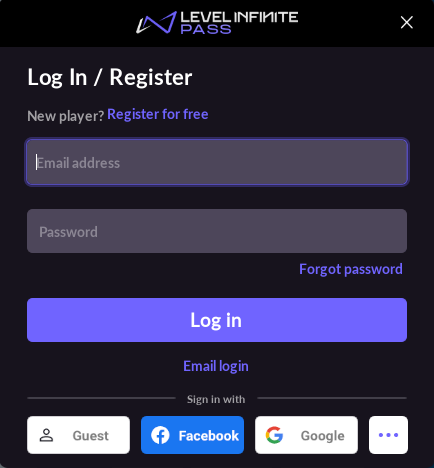
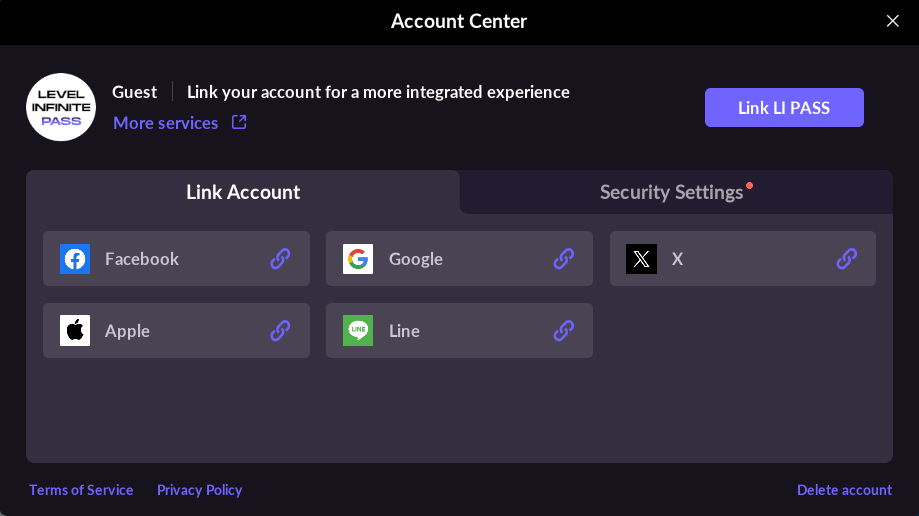
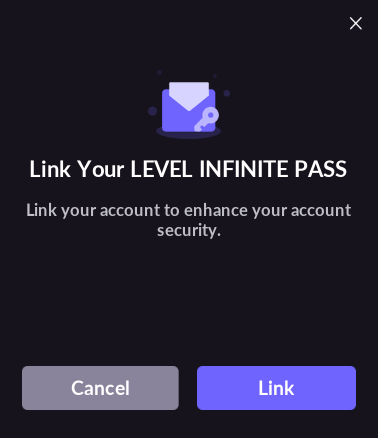
When Gift Pack is disabled, LI PASS will not display any Gift Pack-related content.
- The login screen will not show the reward icon on the Login button:
- The Account Center will not show the reward icon on the Bind button:
- Bind prompt popup text:
- Binding successful popup text:
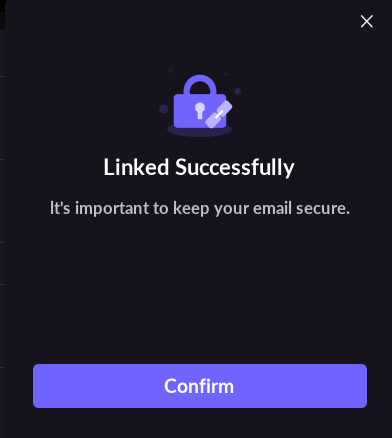
Enable the feature and Gift Pack is integrated
LIP_REWARD_ENABLE = 1
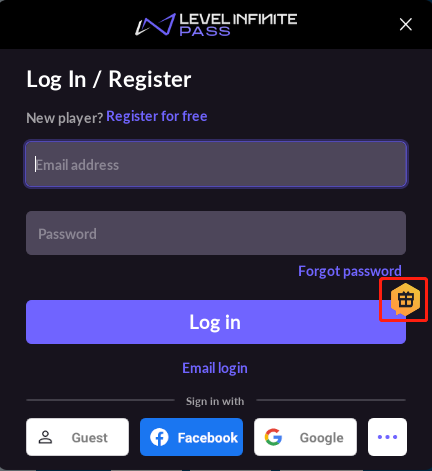
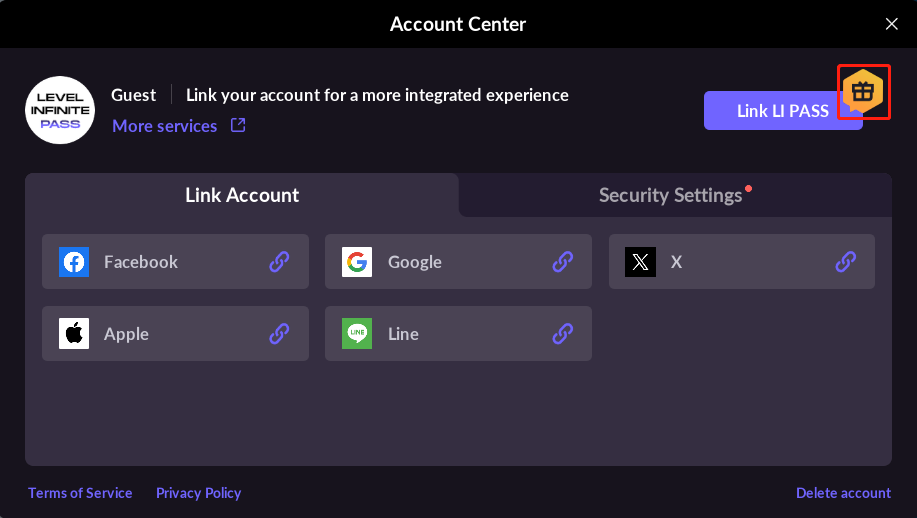
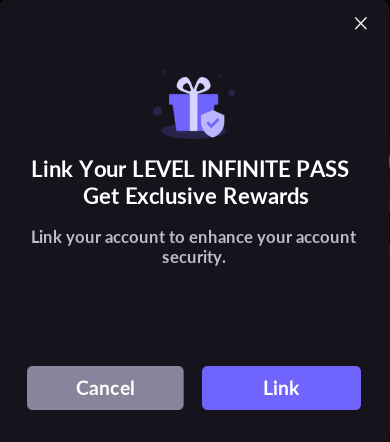
When Gift Pack is enabled, LI PASS will display Gift Pack-related icons and, after players bind LI PASS, prompt them to collect their rewards.
- When logging in, a reward icon will be shown on the Login button:
- In the Account Center, the Bind LI PASS button will show a reward icon:
- Bind prompt popup text:
- Binding successful popup text:
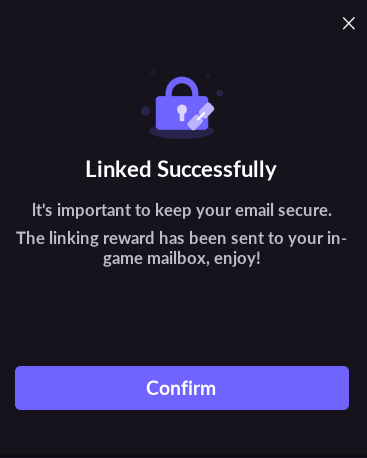
Enable the feature but Gift Pack is not integrated
LIP_REWARD_ENABLE = 2
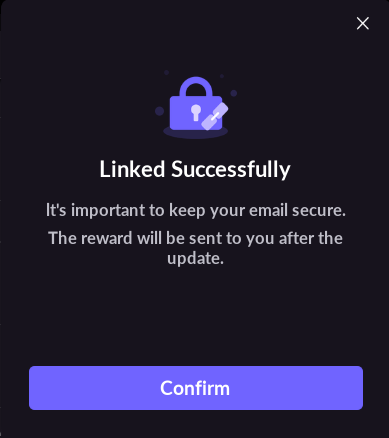
When the feature is enabled and Gift Pack is pending integration, LI PASS will not show Gift Pack-related icons but will inform players that rewards will be available after upgrading the game once binding is completed.
This is for services preparing to integrate the Gift Pack reward feature but have not completed the integration. After completing the Gift Pack reward feature, modify to LIP_REWARD_ENABLE = 1.
- The login screen will not show the reward icon on the Login button:
- The Account Center will not show the reward icon on the Bind button:
- Bind prompt popup text:
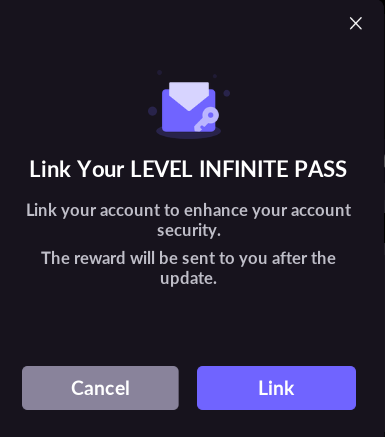
- Binding successful popup text: