PC_COMPLIANCE_SWITCH
Optional
Supported in: LI PASS V1.11.00
Format
PC_COMPLIANCE_SWITCH = 1
0: Disable compliance age verification
1: Enable compliance age verification
Default: 1
Description
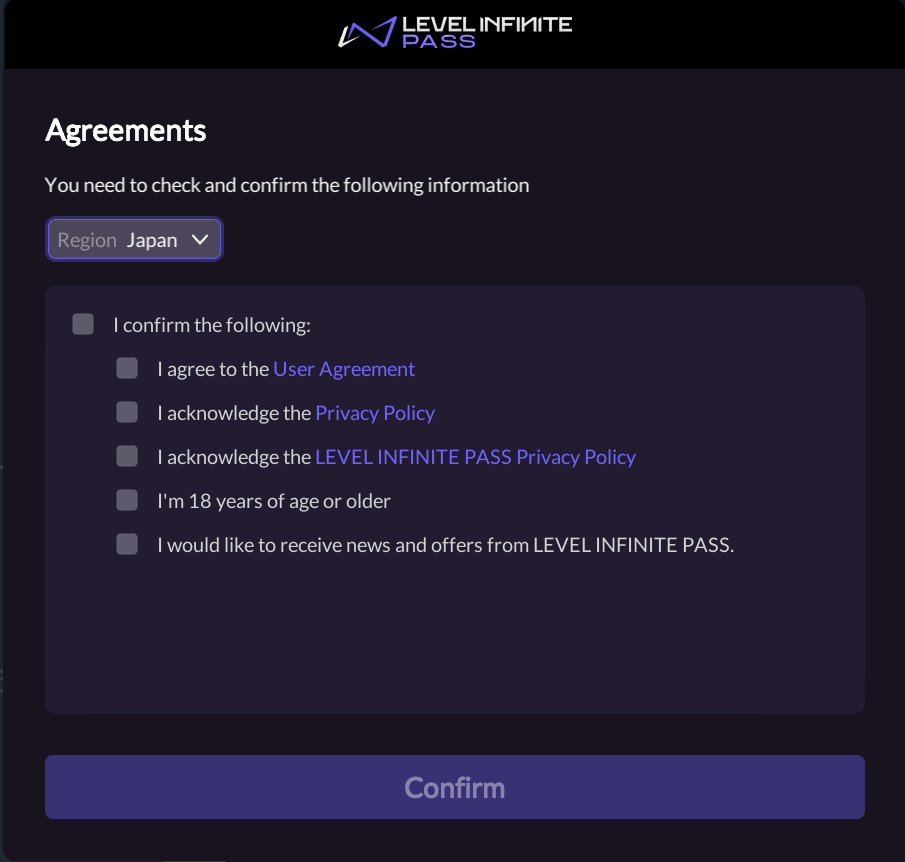
This configuration sets whether to enable compliance age verification, and is only supported on PC.If it is set to disabled:
- Players still need to check the agreement when agreeing to the terms and upload their agreement status.
- Players who have not completed the compliance process will not be blocked from logging in again due to incomplete compliance information, but they will need to complete the compliance information.
PC_COMPLIANCE_SWITCH = 1
PC_COMPLIANCE_SWITCH = 0
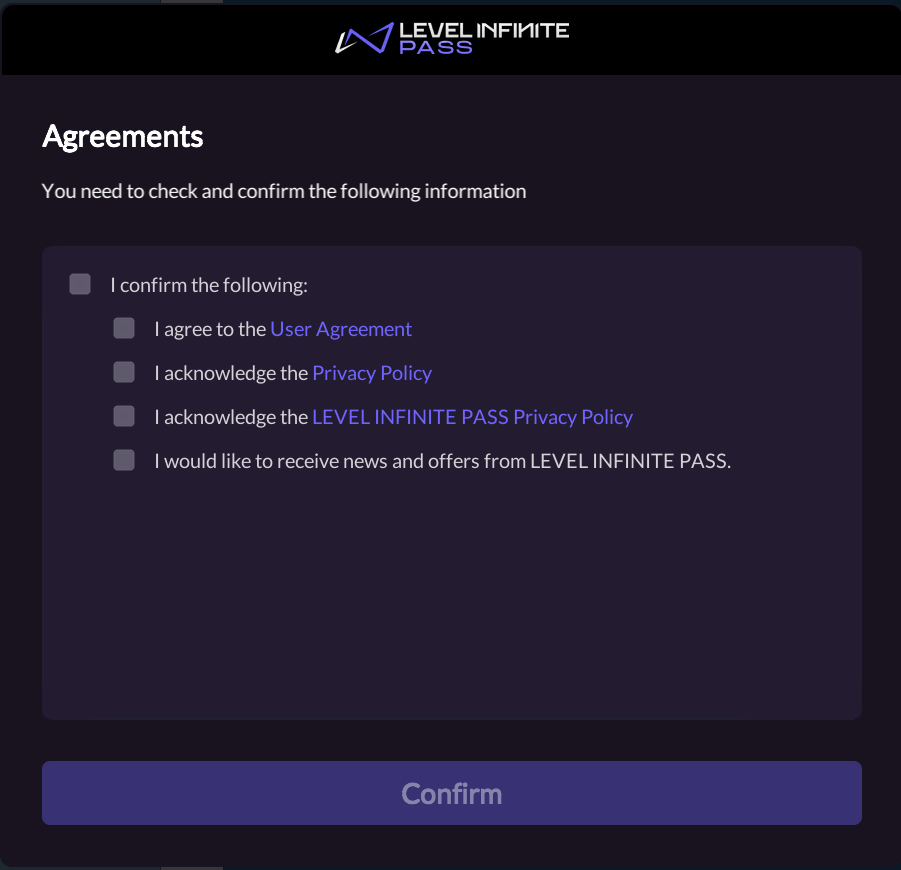
When PC_COMPLIANCE_SWITCH is set to 0, the compliance status of the player account will remain unset, including compliance certification region, adult status, minor parent certification status, and real-name authentication status.Query user information through the QueryUserInfo interface for Unity or UE. In the login callback information returned by AuthResult for Unity or UE, the values of the parameters adult_check_status and parent_certificate_status are both 0.


