SAFETY_DEVICE_CHECK_ENABLE
Optional
Supported in: LI PASS V1.09.00
This configuration depends on Level Infinite Security measures and is currently only supported on Android and iOS.
For more details, please contact Player Network Assistant.
Format
SAFETY_DEVICE_CHECK_ENABLE = 0
0: Disable safety device verification
1: Enable safety device verification
Default value: 0
Description
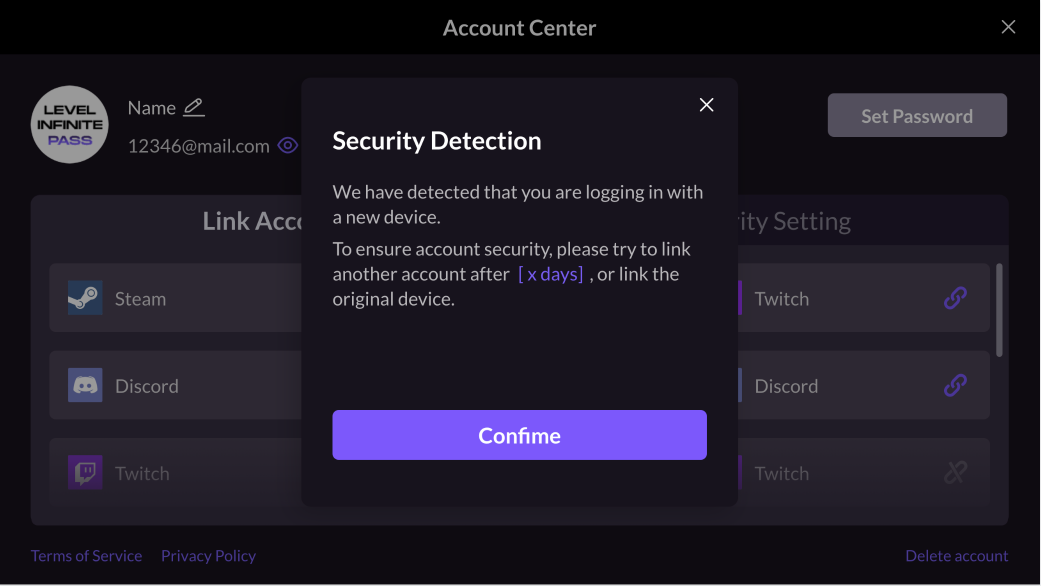
This configuration sets whether to enable safety device verification.When enabled, device verification will be performed during binding or unbinding scenarios to determine if the current device is a safe device.
Abnormal Login Verification
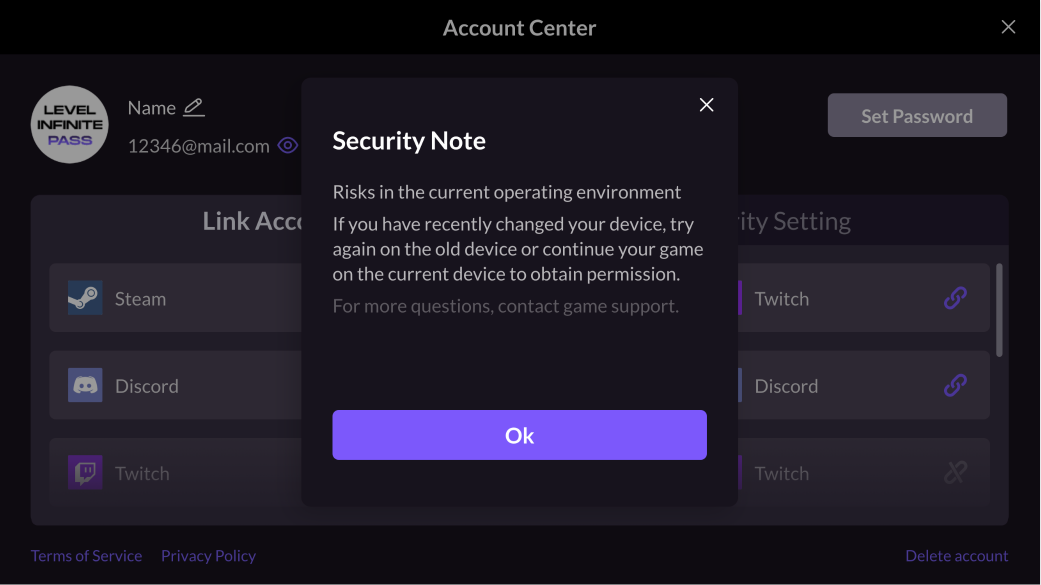
If abnormal login is detected and the verification fails, players will not be able to continue binding LI PASS or perform binding/unbinding operations for third-party channels on the current device.
New Device Login Verification
Compared with third-party channels, LI PASS binding includes an additional safety verification step.After passing abnormal login verification, if the device used for login was replaced within a short period, LI PASS cannot be bound immediately.