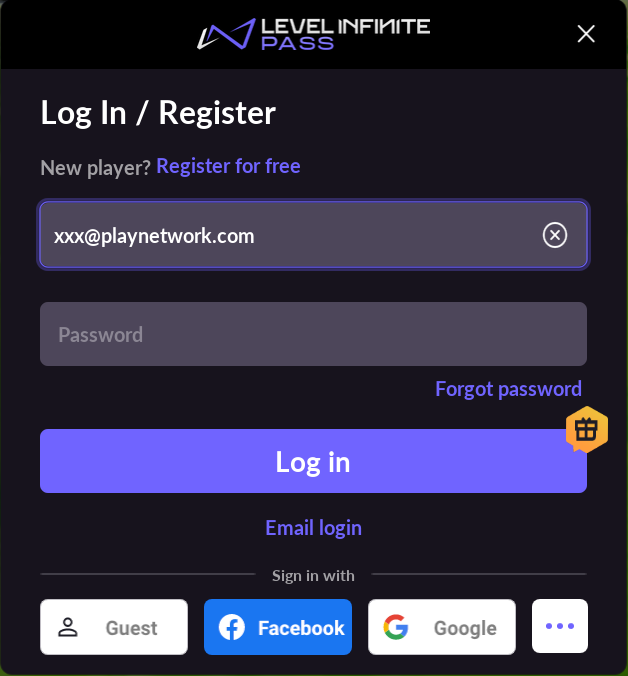
SAVE_EMAIL_ENABLE
MobilePCConsole
Optional
Supported in: LI PASS V1.07.00
Optional
Supported in: LI PASS V1.07.00
Format
SAVE_EMAIL_ENABLE = 0
0: Disables the feature. Emails will not be recorded, and previously recorded emails will not be auto-filled when opening the login screen next time
1: Enables the feature. After successfully logging in with an email, the email is recorded and will be auto-filled the next time you open the login screen
Default value: 0
Description
This configuration sets whether the last successfully used login email is recorded automatically.When enabled, the recorded email will be auto-filled the next time the login screen is opened.