Use APK to test Google login
Based on Google Play App Signing, before testing Google login, you need to first upload the AAB package to the Google Play Console, then download it via the generated link in order to log in normally.
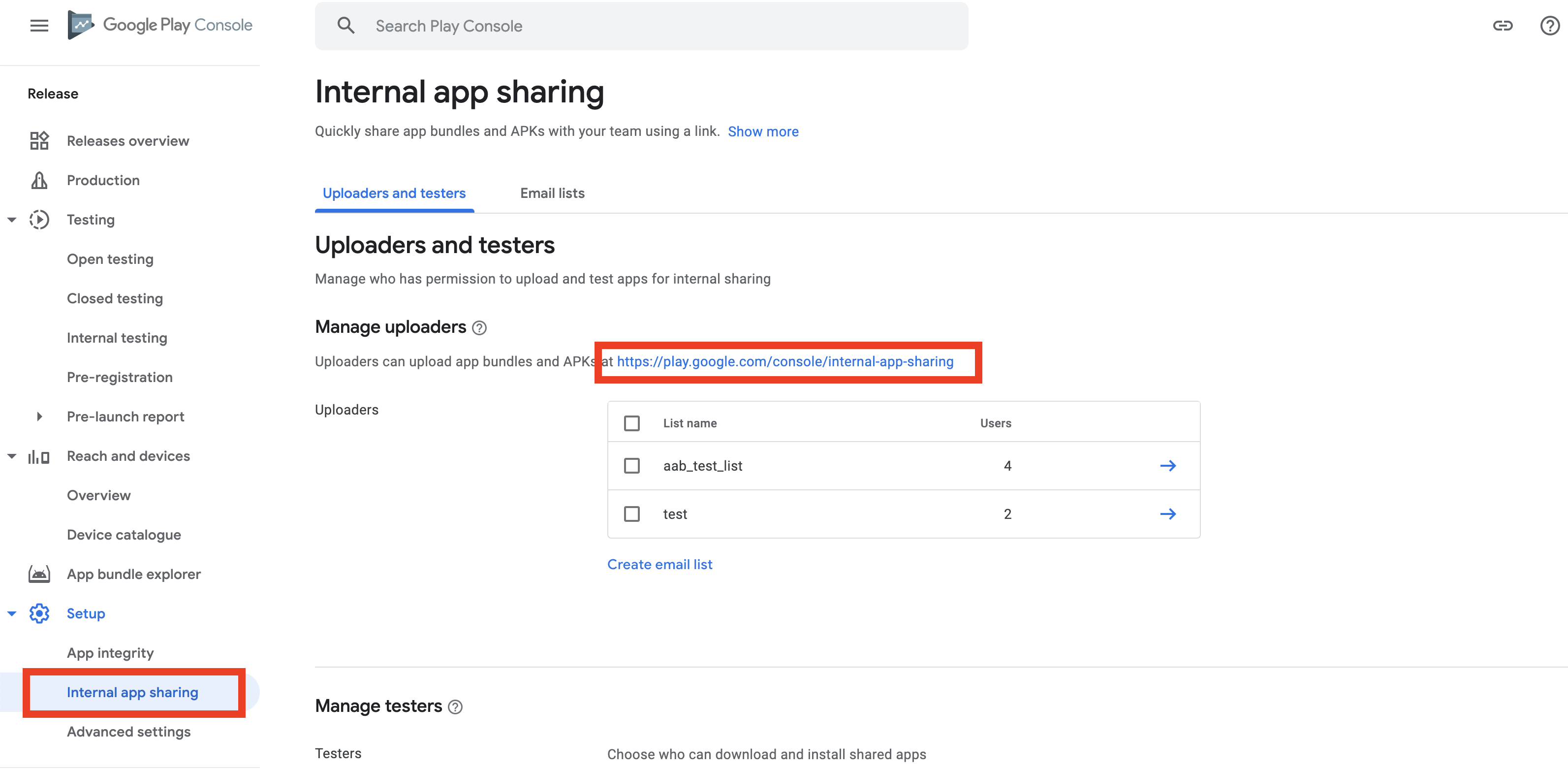
If you directly use APK to test Google login, it will return error code 9999 and third-party error code 10 during login.
Solutions
The following methods are only for local APK testing.After the app is published to Google Play, you need to change the SHA-1 certificate fingerprint back to the original configuration; otherwise, there will be login failures after publishing.
- Extract the SHA-1 certificate fingerprint.Two methods are provided here to extract SHA-1; you can choose based on your needs.
a. Extract SHA-1 from the keystore certificate
keytool -keystore path-to-debug-or-production-keystore -list -v
b. Extract SHA-1 from the APK package: unpack the APK package, obtain the RSA file (usually named CERT.RSA), then use the command below to get the SHA-1.
keytool -printcert -file path-to-RSA-file
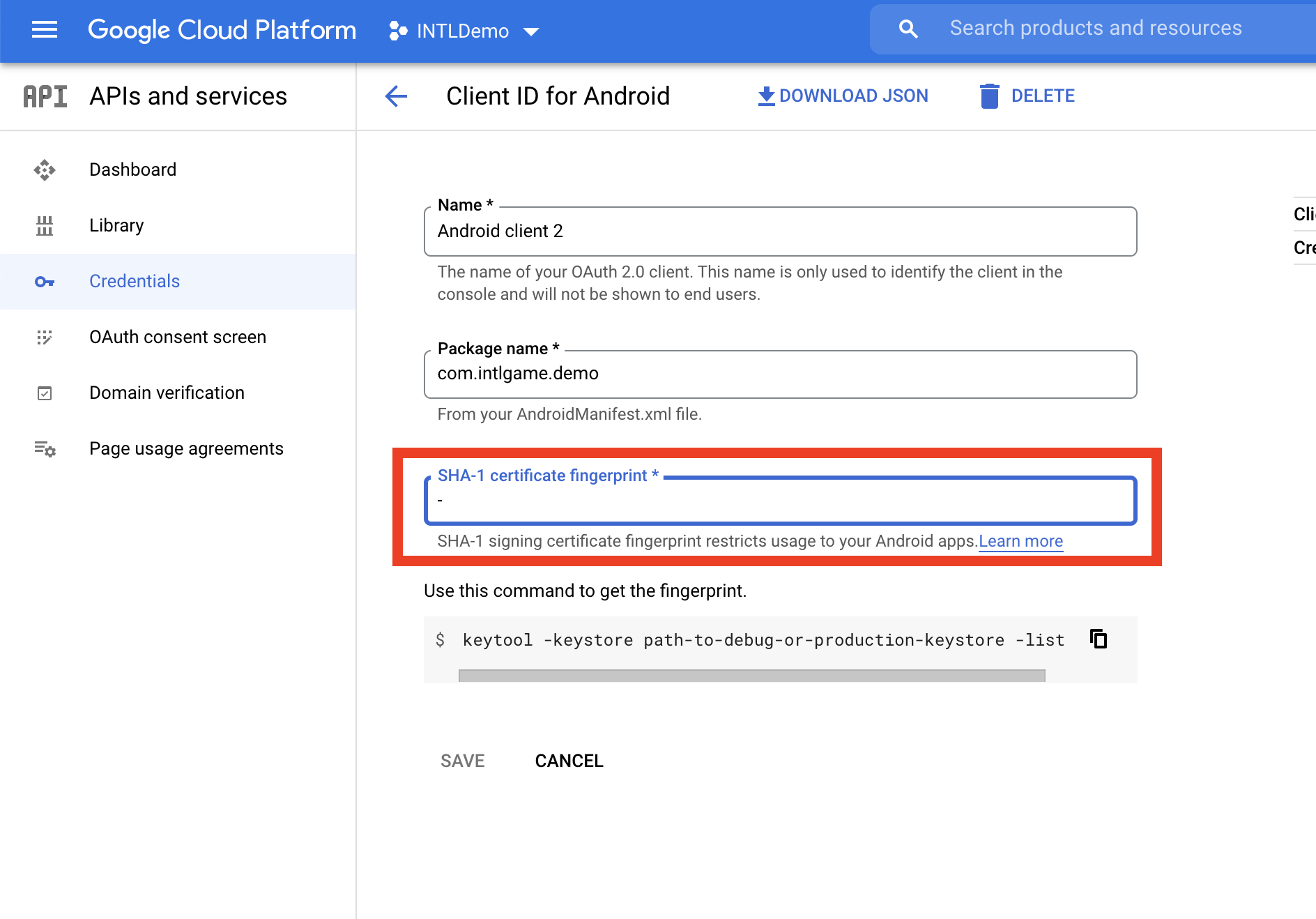
- Update the SHA-1 certificate fingerprint configuration for the Android client on the Google API developer platform and select save.
- Use the APK to run Google login tests.

