iOS Platform Advertising Identifier (IDFA) Authorization Popup
Overview
On iOS platform version 14.0 and later, to enhance user privacy transparency, Apple requires a popup and user consent before obtaining the device's advertising identifier (IDFA).
You can use the AppTrackingTransparency framework to display a popup and obtain the IDFA.If the AppTrackingTransparency framework is not integrated, there is a risk of rejection during app review.For more details, see User Privacy and Data Use.
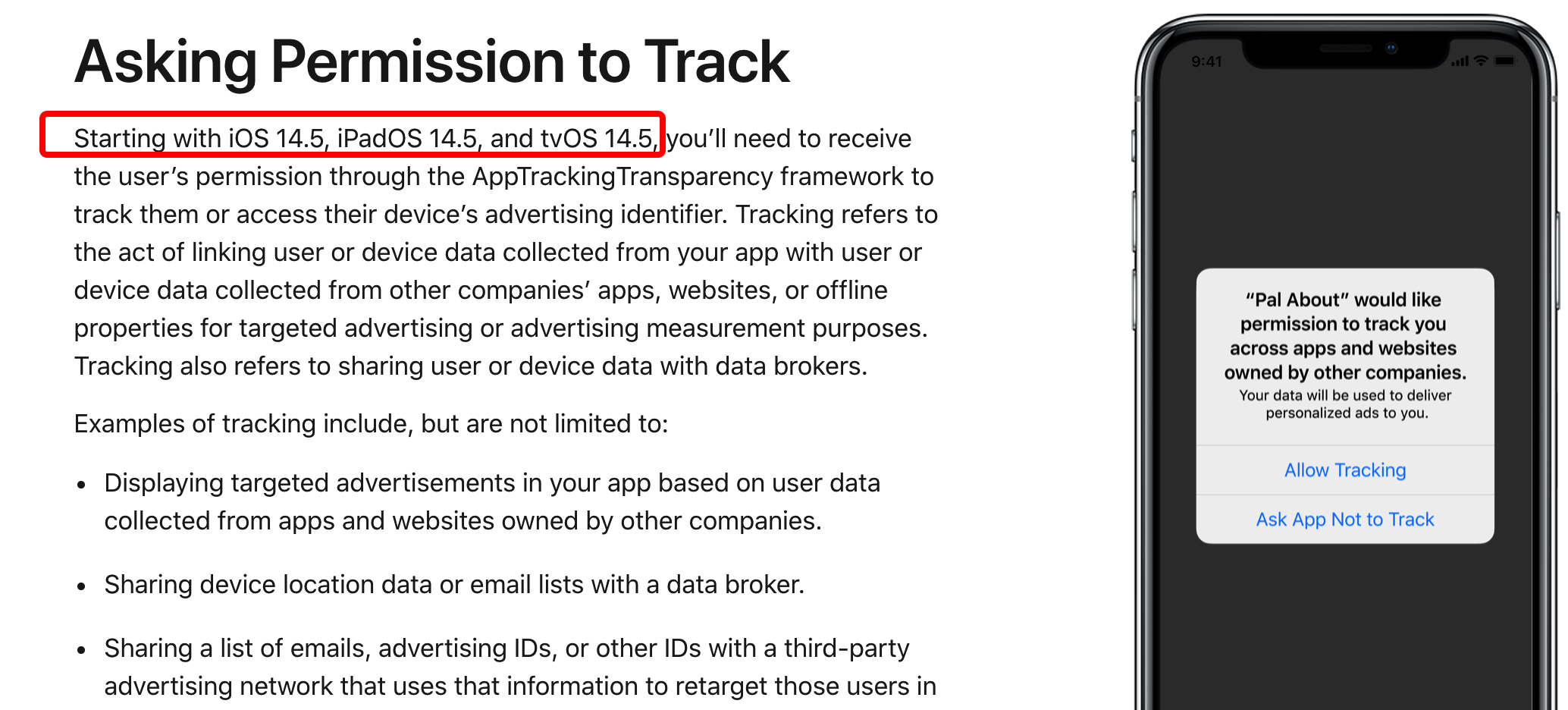
The ATT popup policy has been implemented since iOS 14.0.On iOS 14.0–iOS 14.4, even if the user does not authorize via the popup, the app can still obtain the user's IDFA.
Add Popup Authorization
If you need to collect authorization, you can call the interface below.The following API requests a popup authorization for obtaining the advertising identifier (IDFA):
static void RequestTrackingAuthorization();
- This API is only for the iOS platform, requires compilation with Xcode12 or above, and only works on iOS devices running version 14.0 or later.
- You need to add a reference to the iOS library:
AppTrackingTransparency.framework.Also, in your project'sInfo.plistfile, add theNSUserTrackingUsageDescriptionconfiguration and description text, which will be shown as the authorization popup prompt.For more information, refer to the iOS usage instructions for the Unity or Unreal Engine SDK. - This interface requests tracking authorization once, the system will remember the user's choice, and will not prompt again unless the user uninstalls and reinstalls this application on the device.
默认采集 iOS 平台的 IDFA。如果业务方需要关闭采集,可在 APASConfig.ini 配置文件中修改为以下配置:
DEVICE_INFO_SWITCHES={"ios_idfa":false}
"ios_idfa":false: Disable iOS IDFA collection
To enable collection for an ID, simply change the configuration to true.
Integrate AppTrackingTransparency Framework
You can also integrate the AppTrackingTransparency framework yourself to implement the popup authorization.
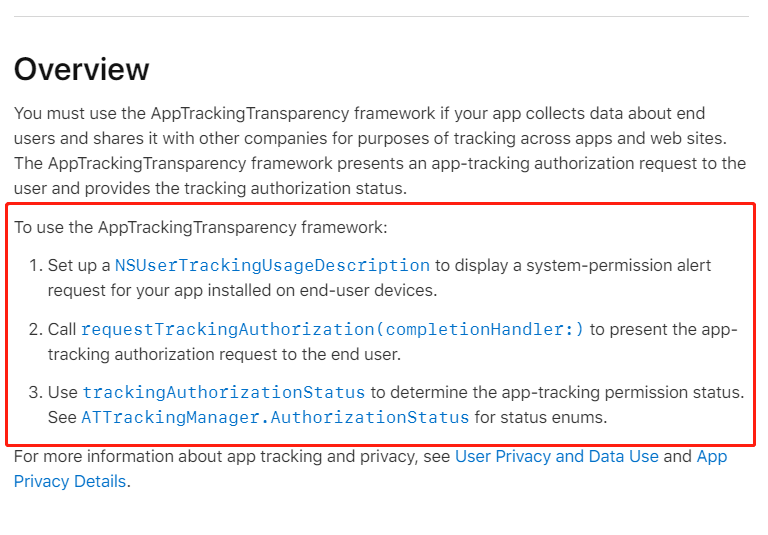
According to Apple's App Tracking Transparency documentation, integrating the ATT framework involves three steps:
- Set the permission request message in
info.plist - Client-side popup requests permission from the player
- Based on the player's authorization, determine whether to call the API to get the IDFA