Set Gamepad Status (SetGamepadStatus)
Windows
Supported on: LI PASS V1.17
If you are using the Unity engine, see Unity SDK SetGamepadStatus.
Supported on: LI PASS V1.17
If you are using the Unity engine, see Unity SDK SetGamepadStatus.
Update the gamepad status in LI PASS, called when the gamepad link status changes.
Function Definition
UFUNCTION(BlueprintCallable, Category = "LevelInfinite")
static void SetGamepadStatus(ELIGamepadStatus gamepadStatus);
Parameter Instructions
| Parameters | Type | Explanation |
|---|---|---|
| gamepadStatus | ELIGamepadStatus | Type of gamepad, where None represents no gamepad connected or connection broken, see gamepadStatus for details. |
Code Sample
ULevelInfiniteAPI::SetGamepadStatus(ELIGamepadStatus::Xbox);
gamepadStatus
| Value | Description |
|---|---|
| None | No gamepad connected or gamepad connection broken |
| Xbox | Xbox gamepad connected |
| PlayStation | PlayStation gamepad connected |
| Switch | Switch gamepad connected |
Interface Sample
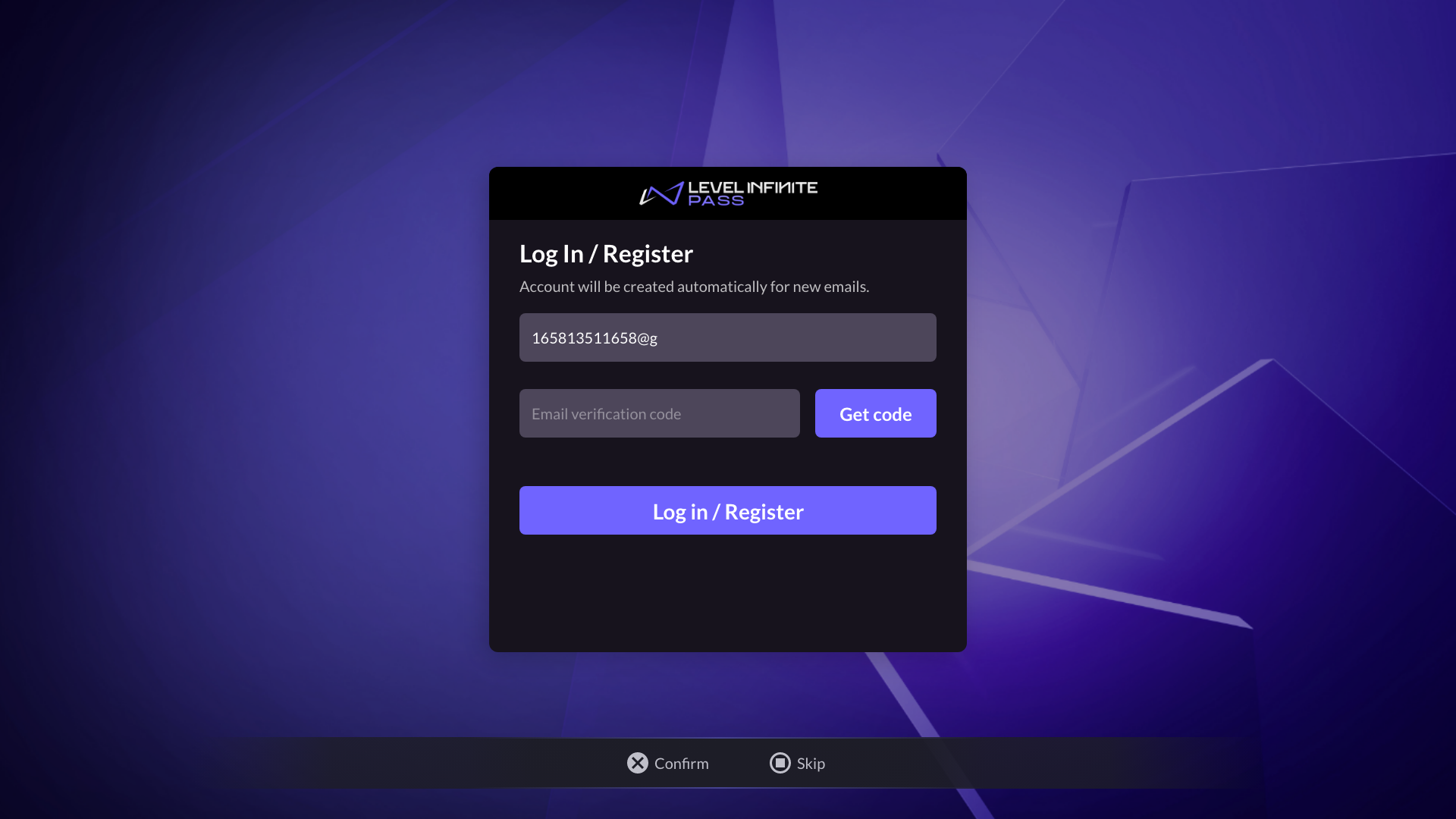
gamepadStatus = Xbox
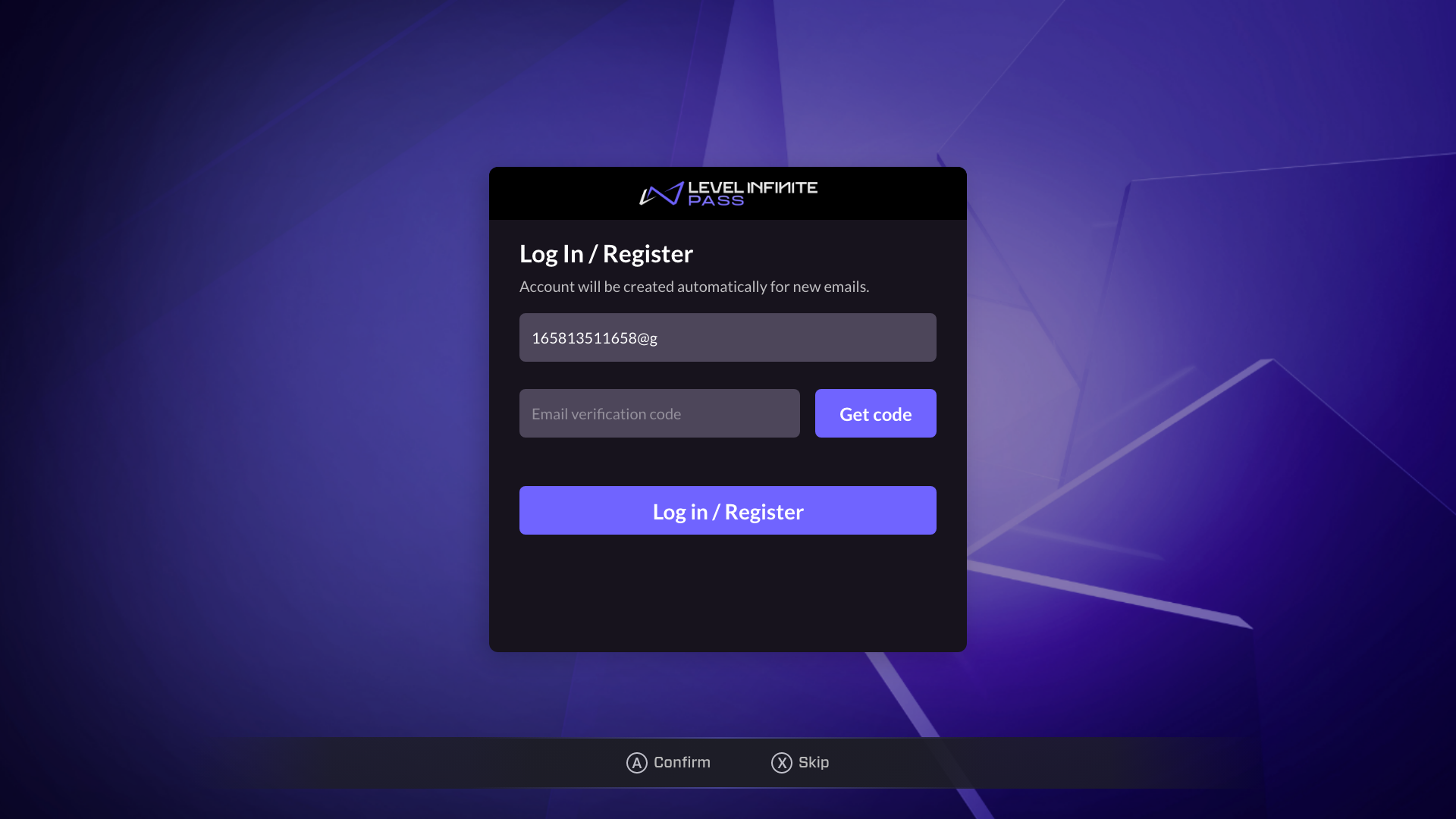
gamepadStatus = PlayStation