Set Language (SetLanguage)
Used to set the language for the LI PASS interface and emails.
note
It is recommended to set according to the game language, otherwise, there might be inconsistencies between the language of the LI PASS UI and reward emails and the game language.
Function Definition
UFUNCTION(BlueprintCallable, Category = "LevelInfinite")
static void SetLanguage(const FString& language);
Input Parameters
| Parameters | Type | Explanation |
|---|---|---|
| language | FString | Language type (ISO 639), e.g., "en".Used to define the language for the LI PASS interface and emails. For more information, see Language Type Definition. |
Code sample
ULevelInfiniteAPI::SetLanguage(TEXT("zh-Hans"));
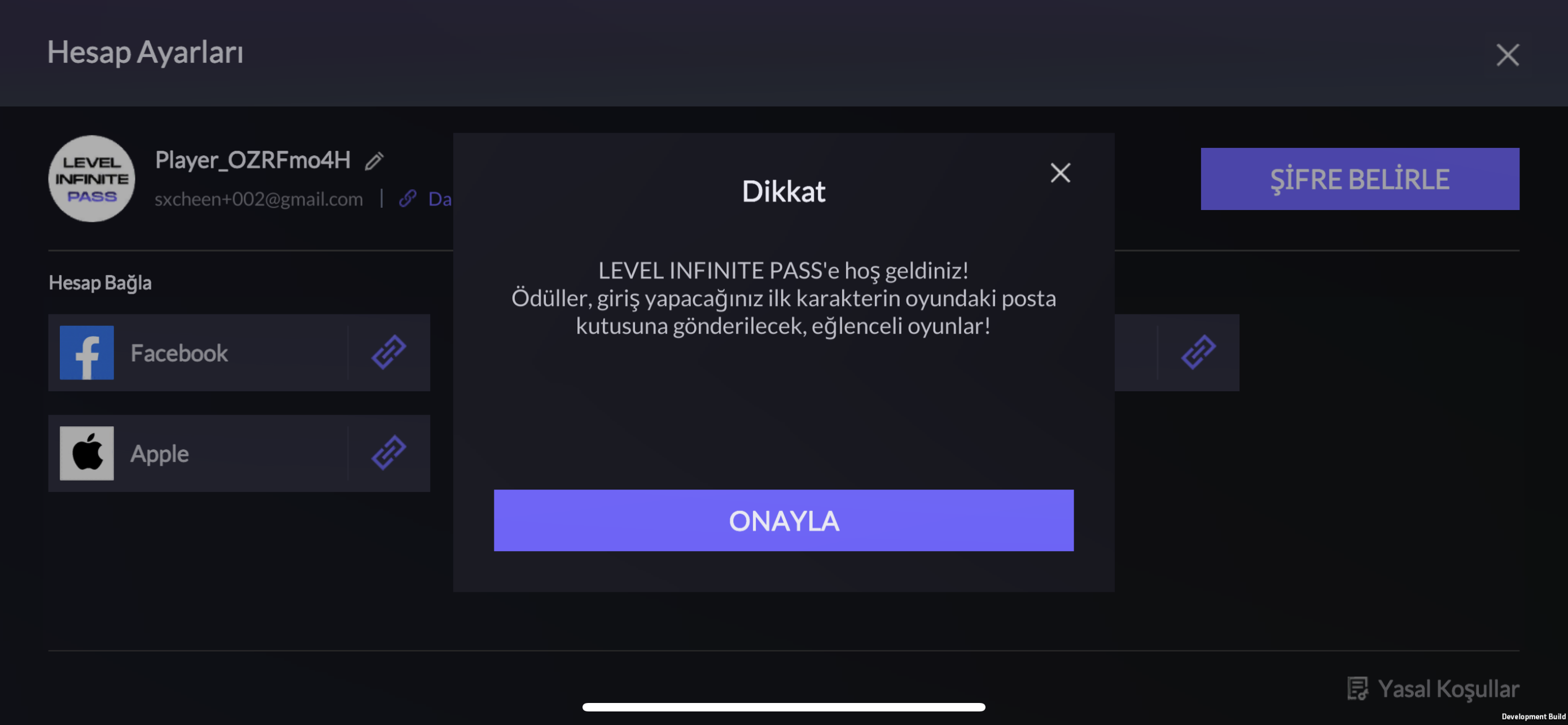
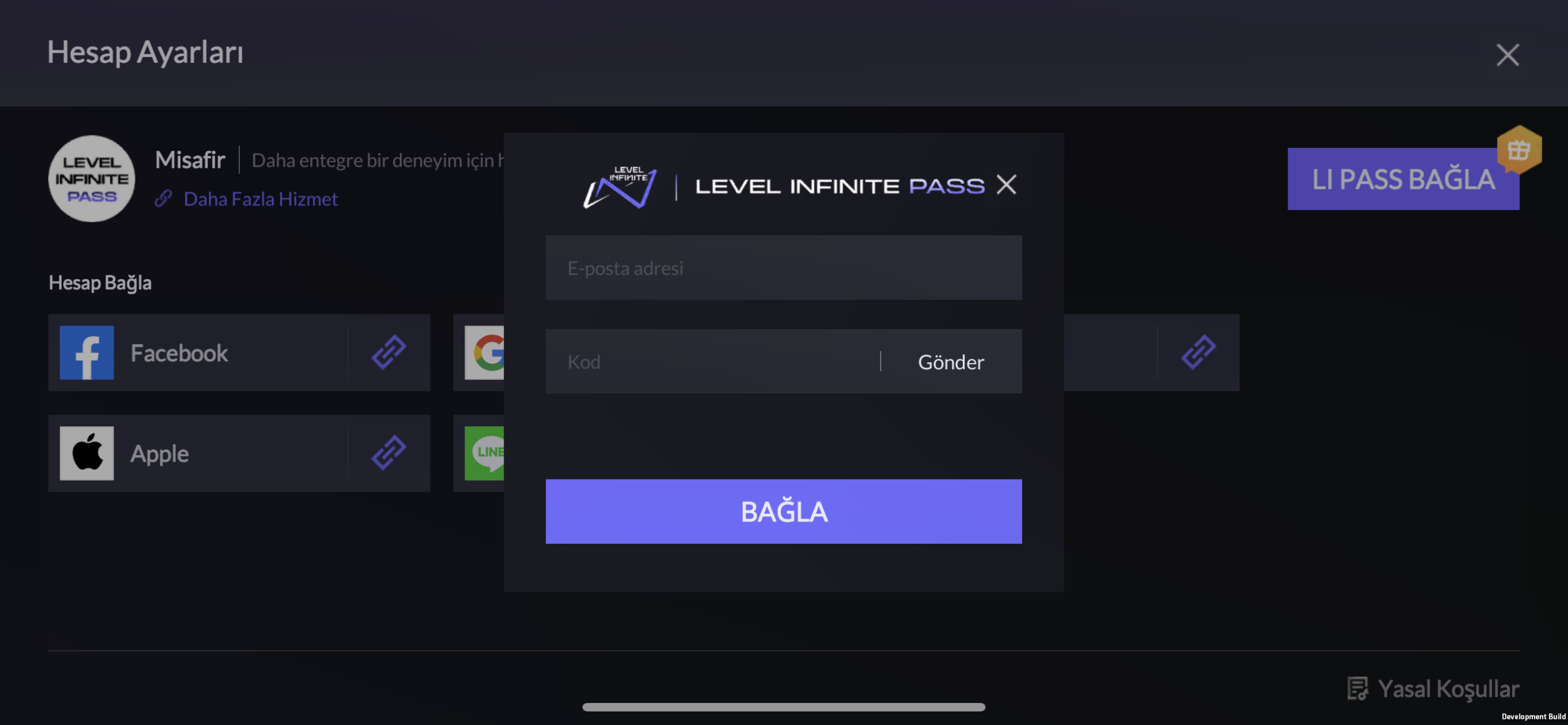
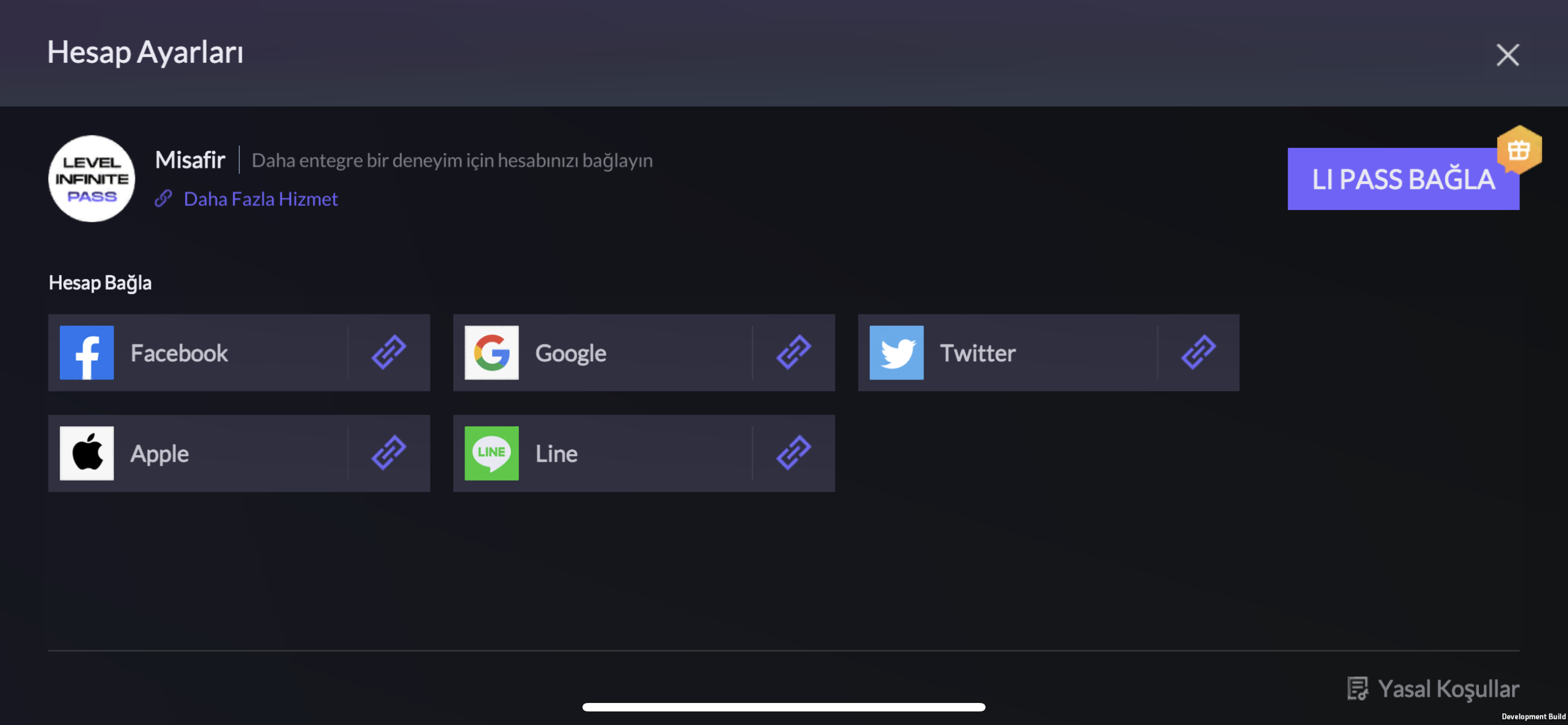
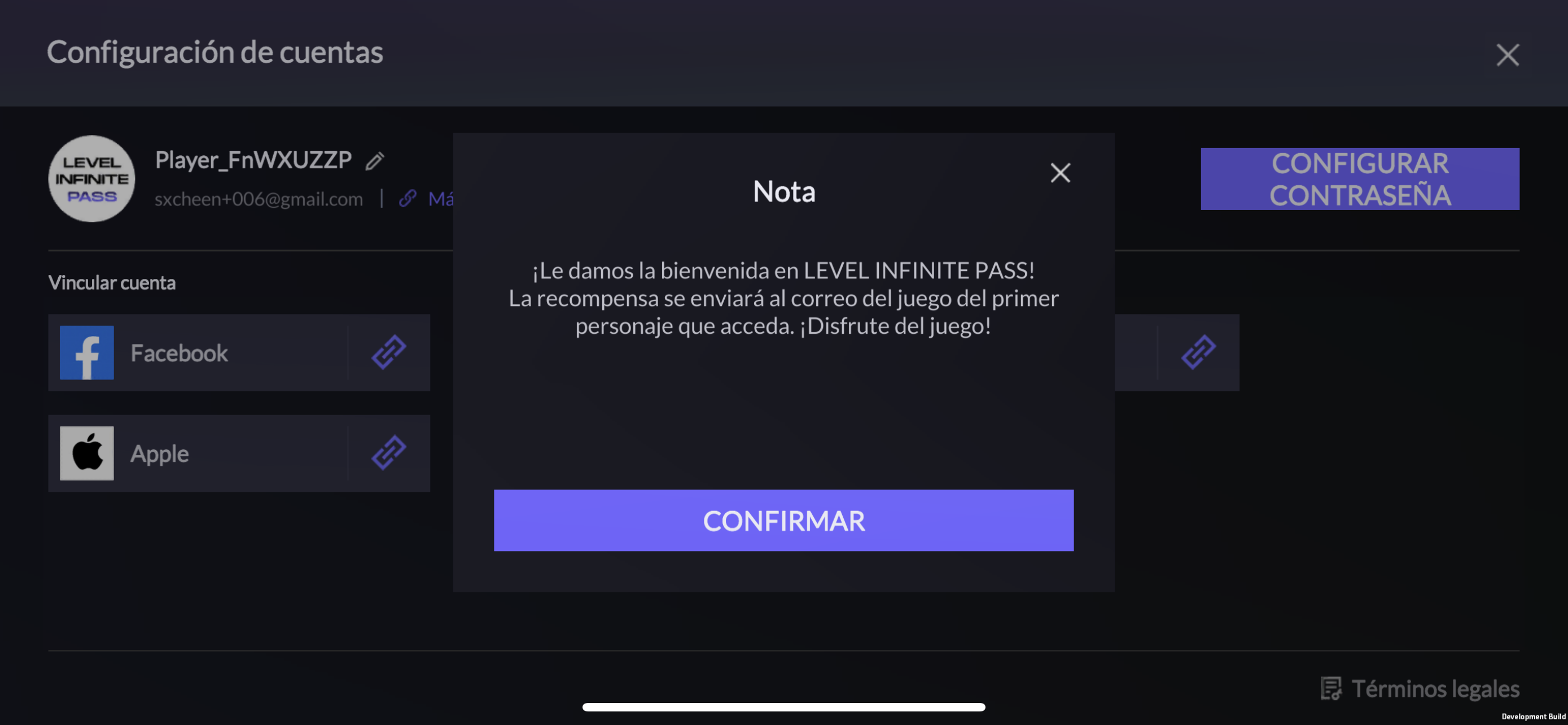
Interface Example
Spanish
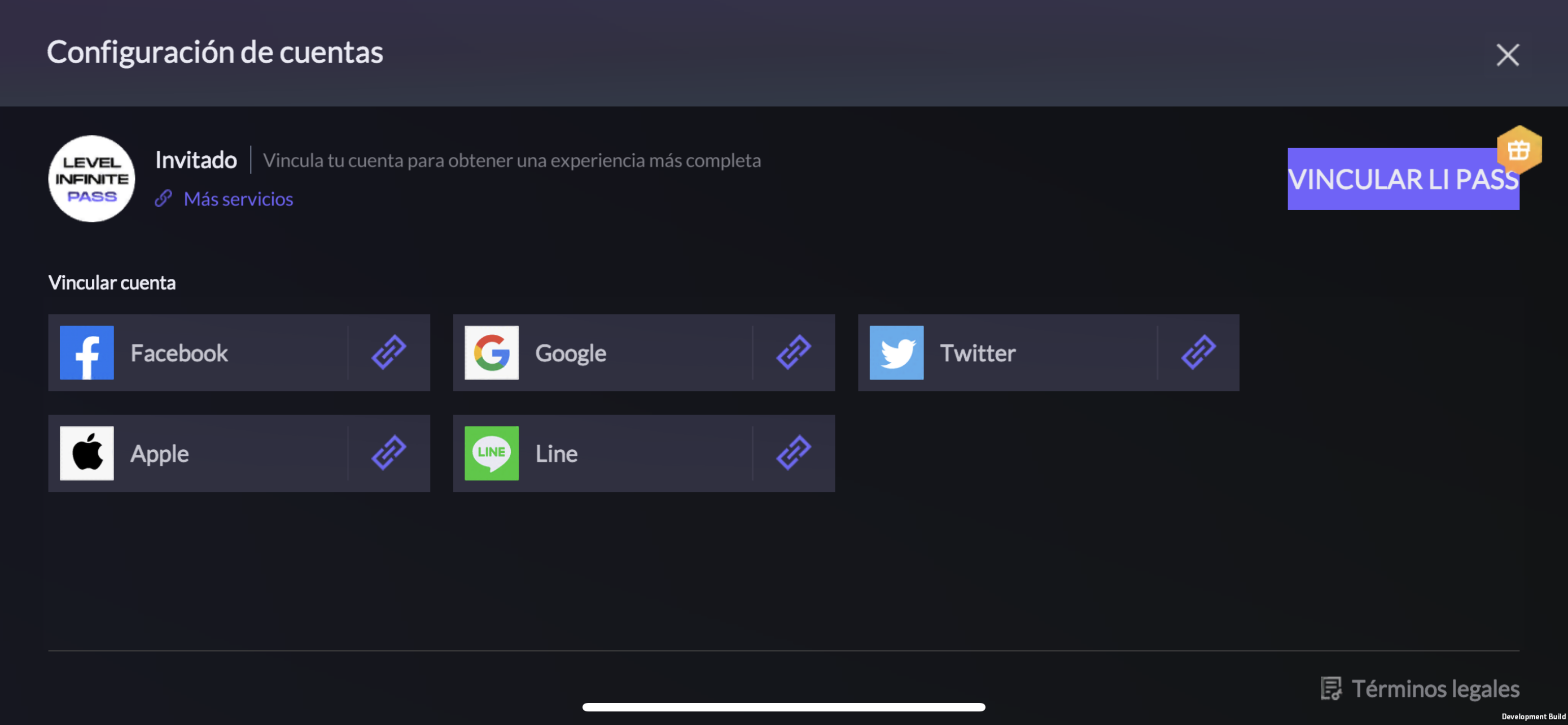
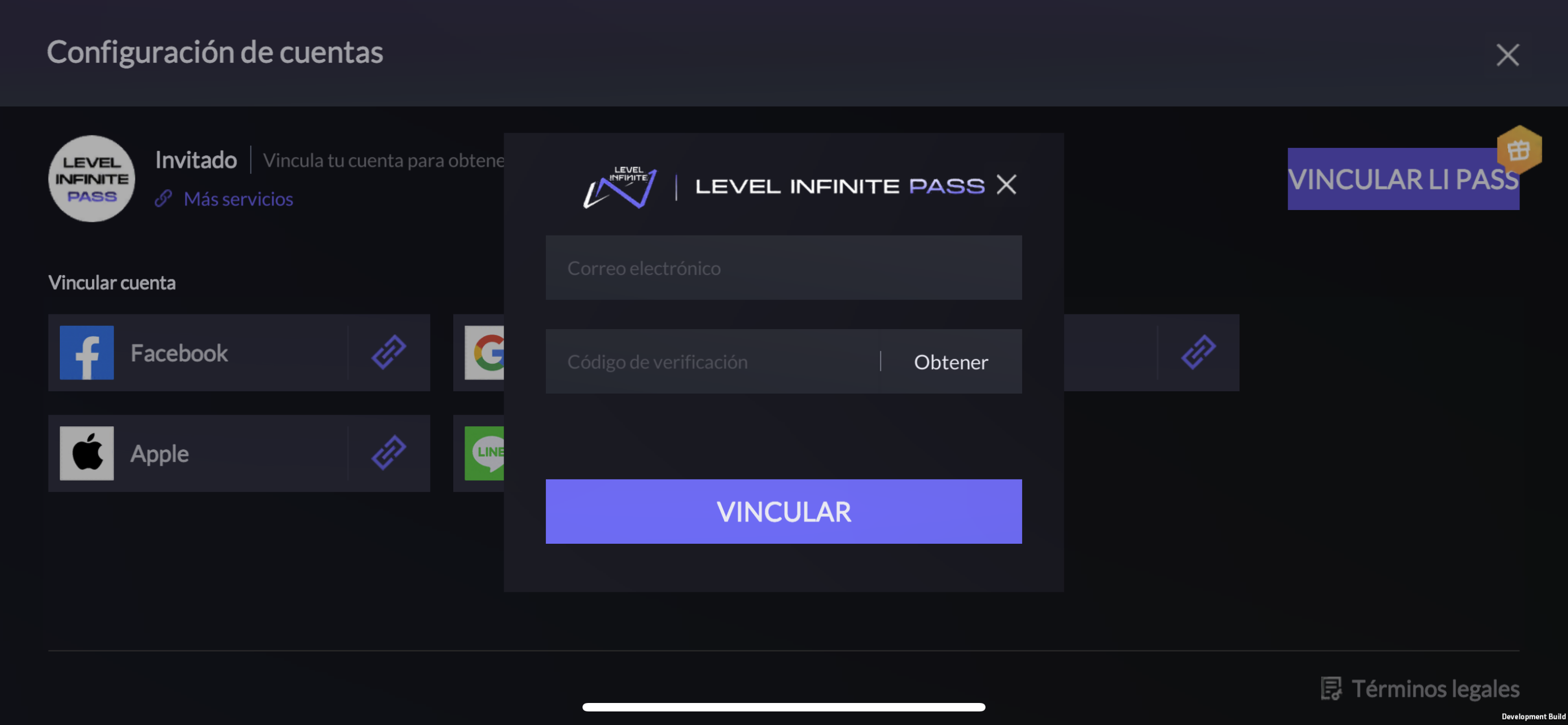
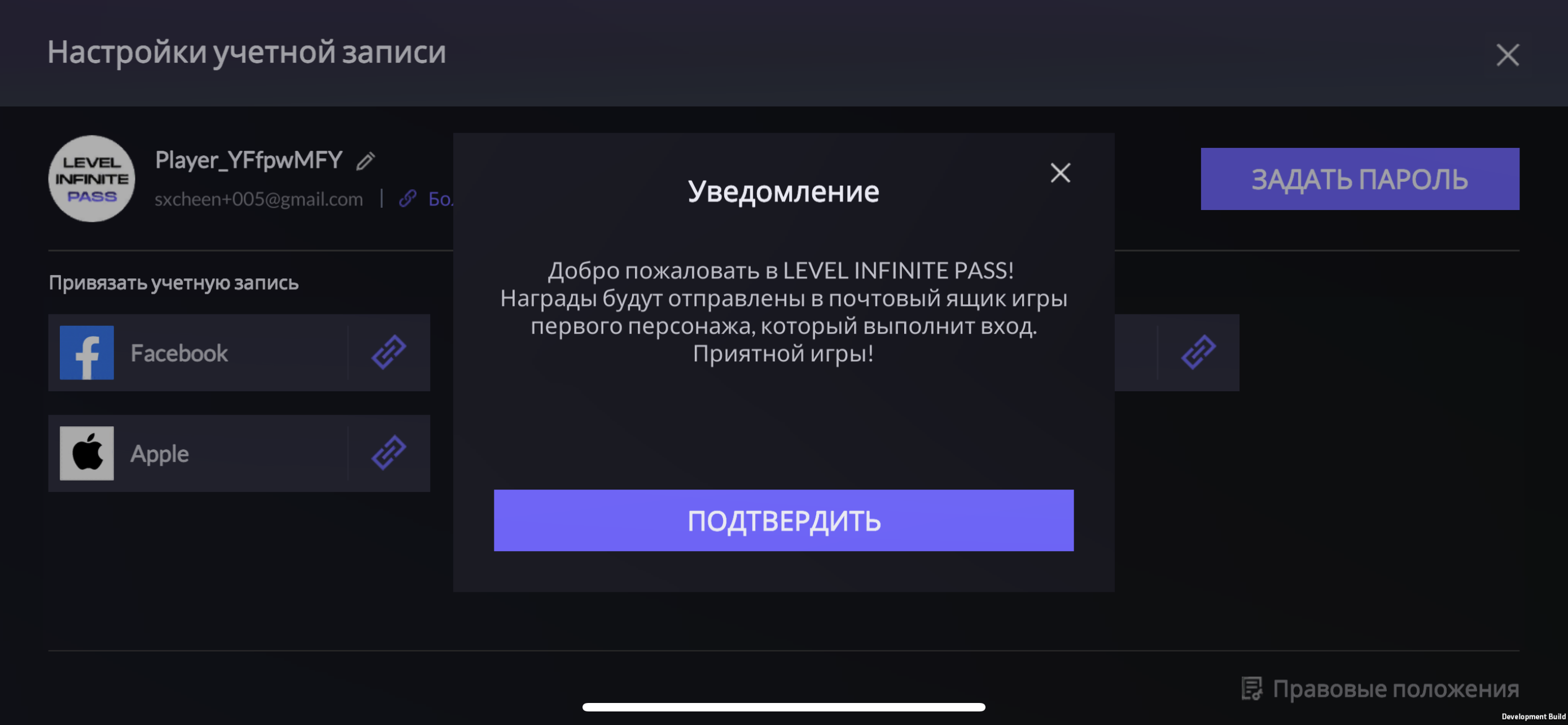
Russian
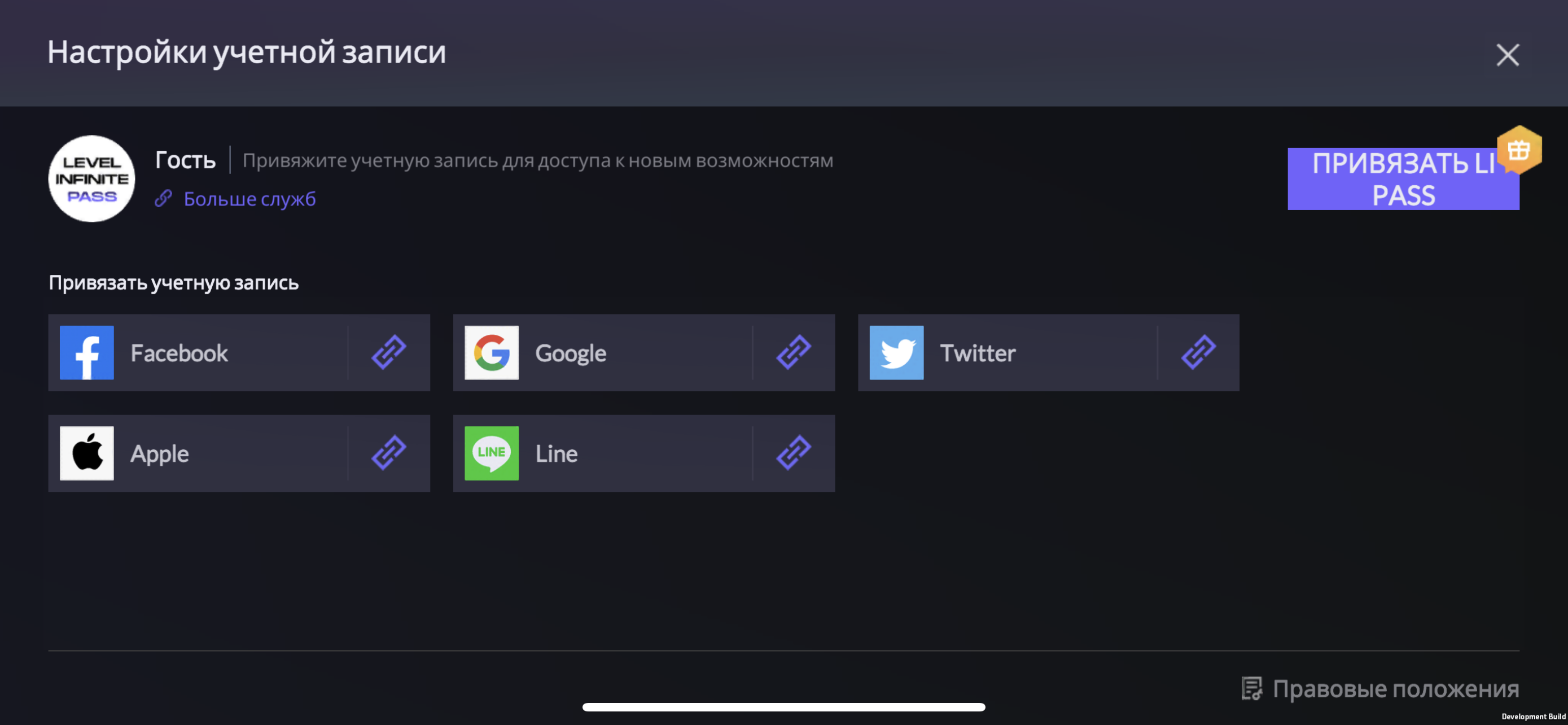
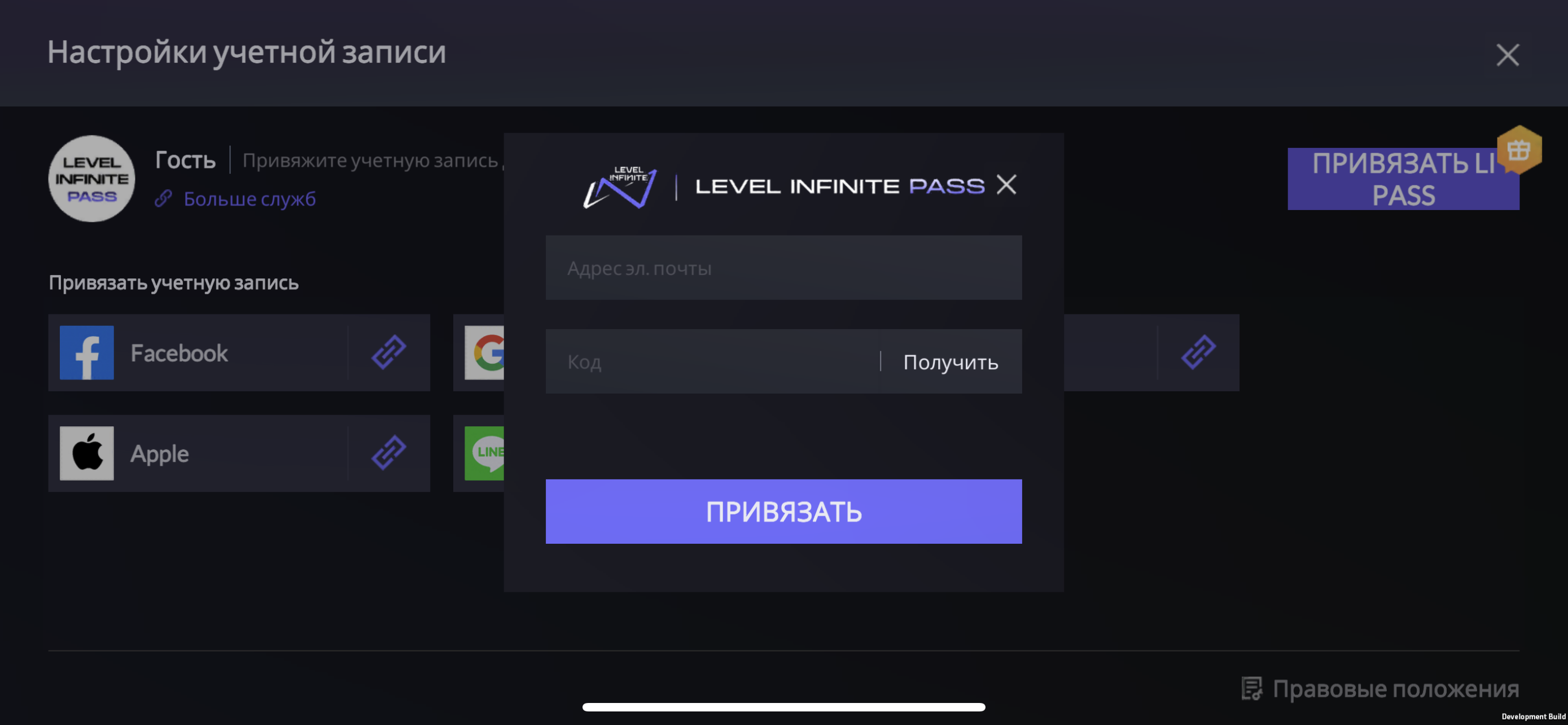
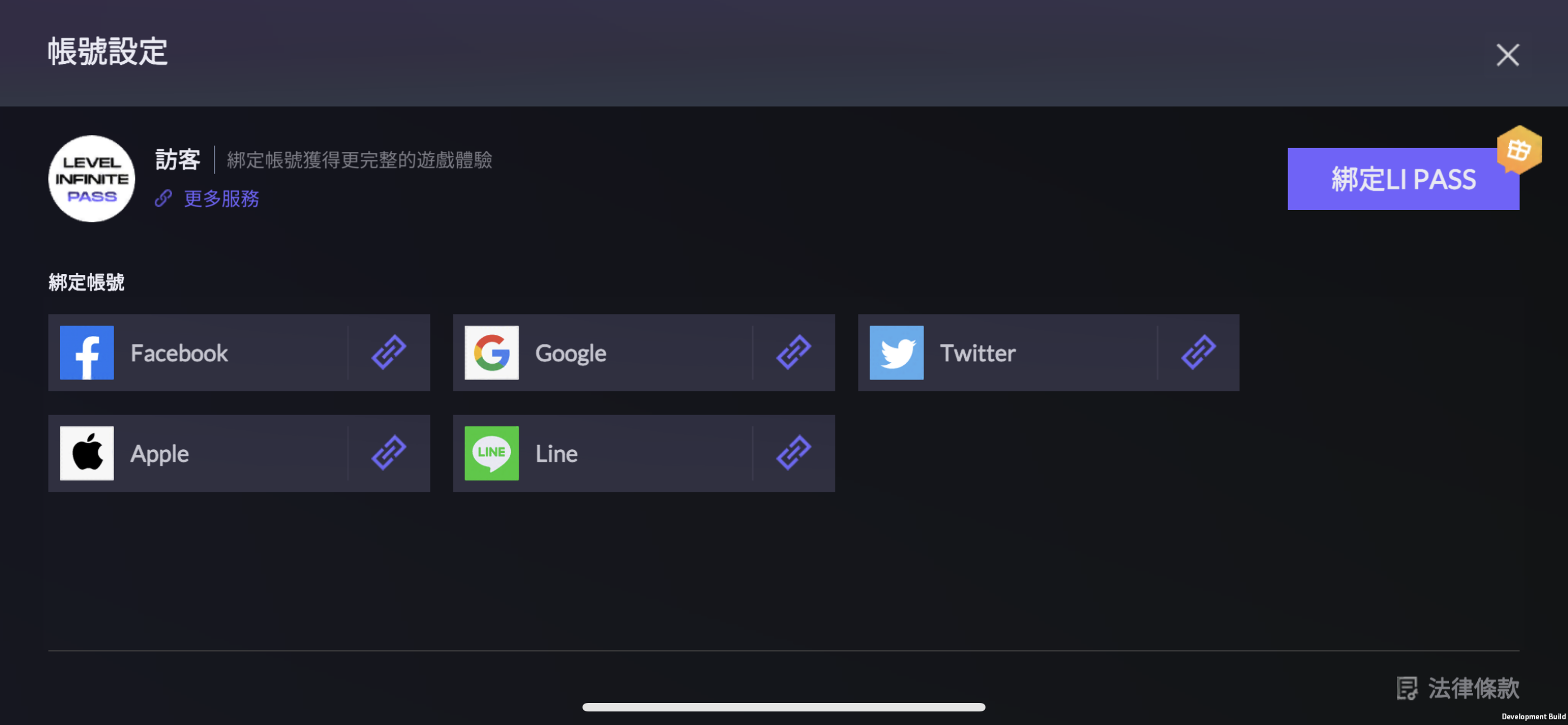
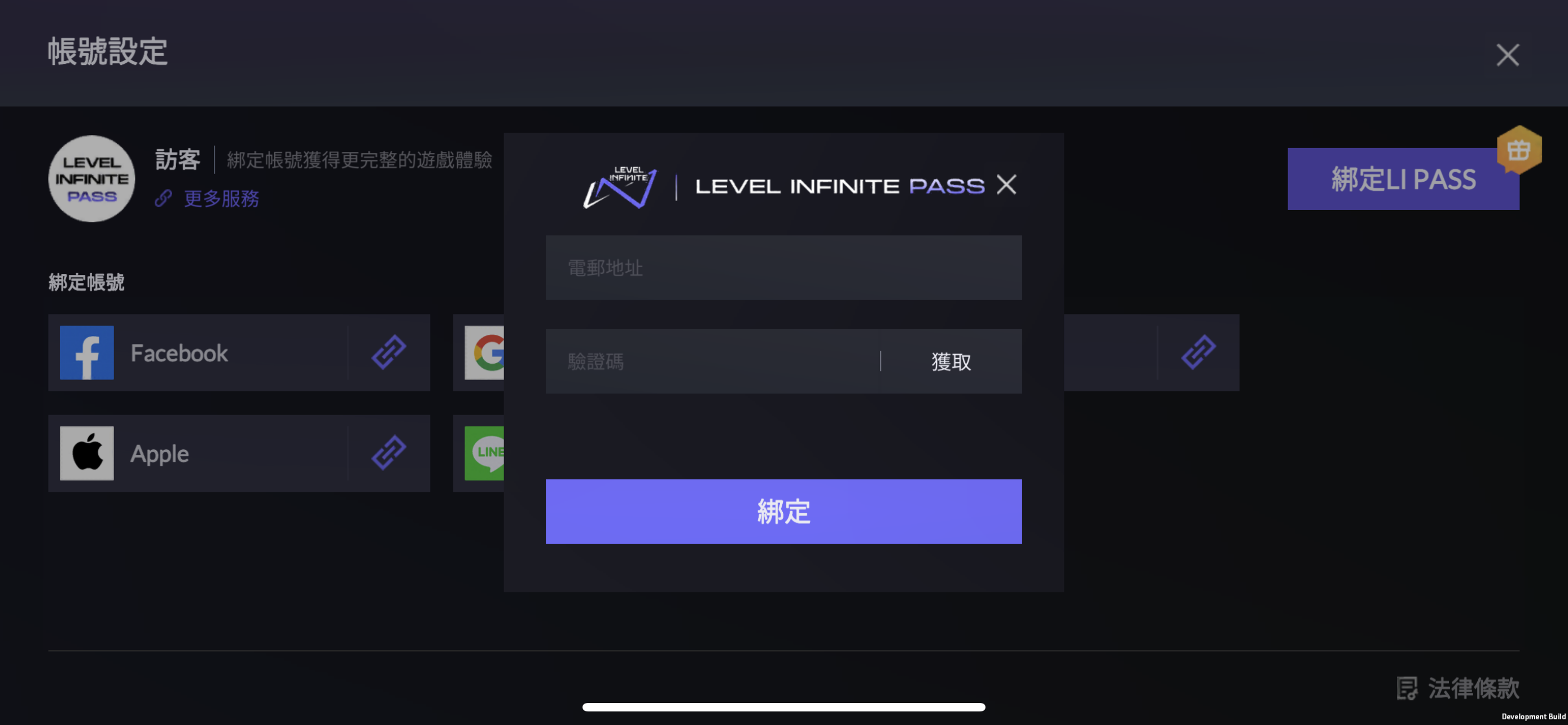
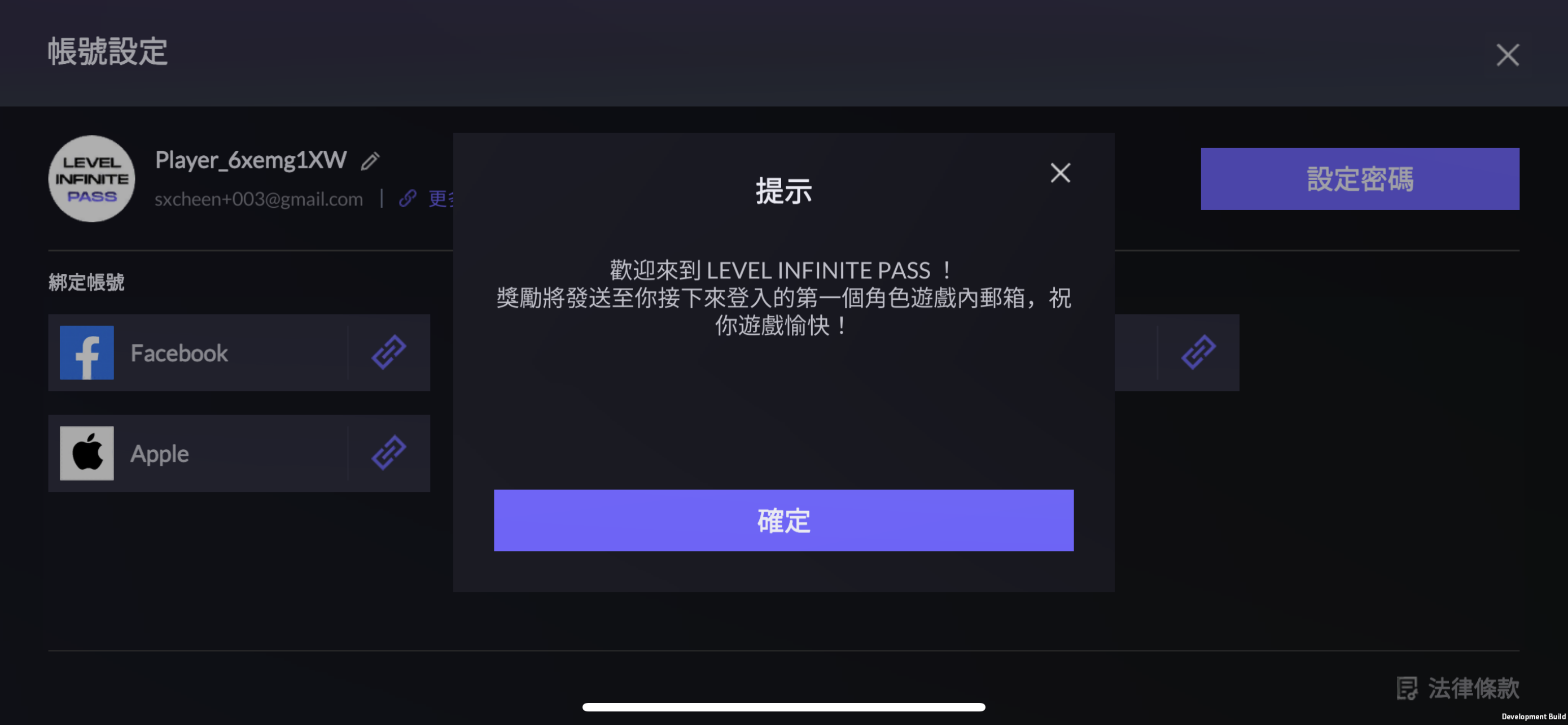
Traditional Chinese
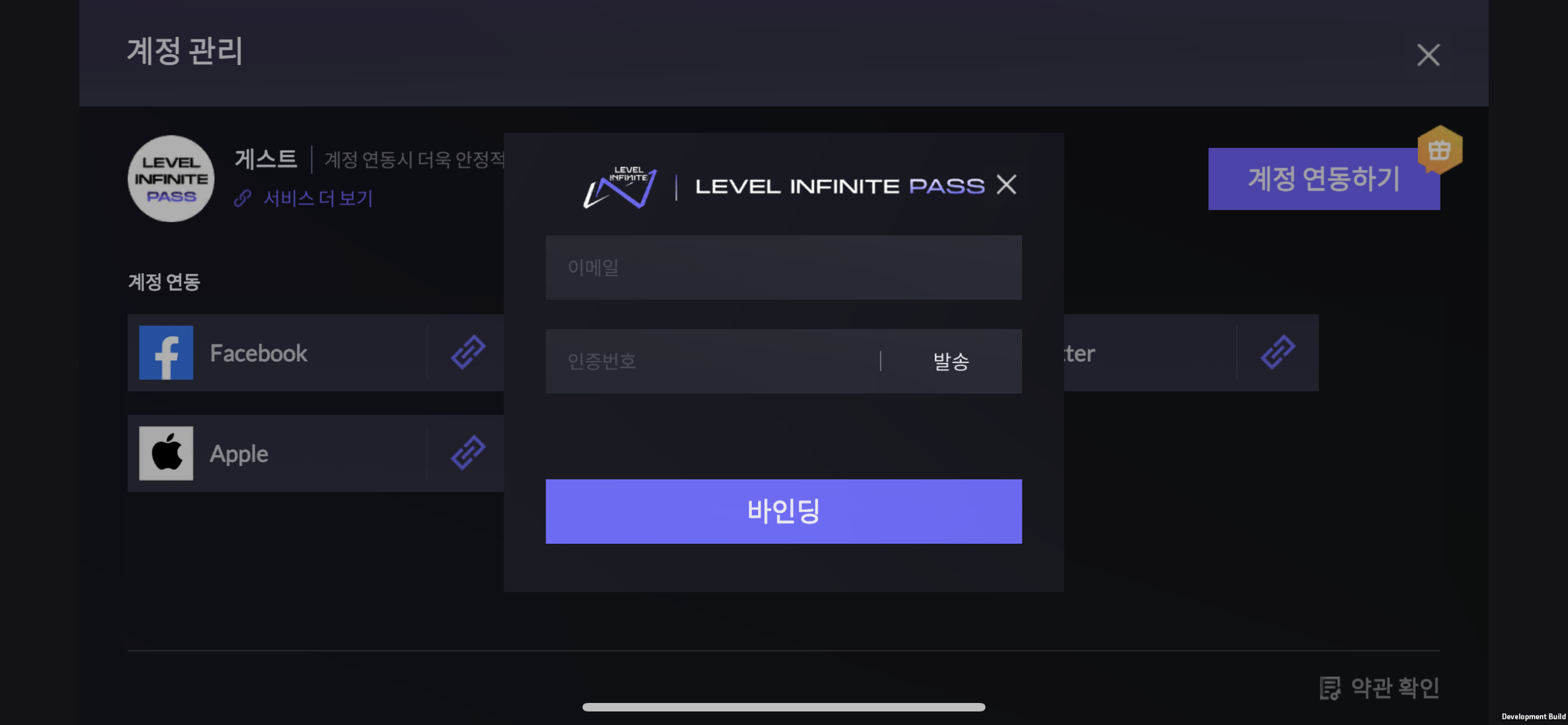
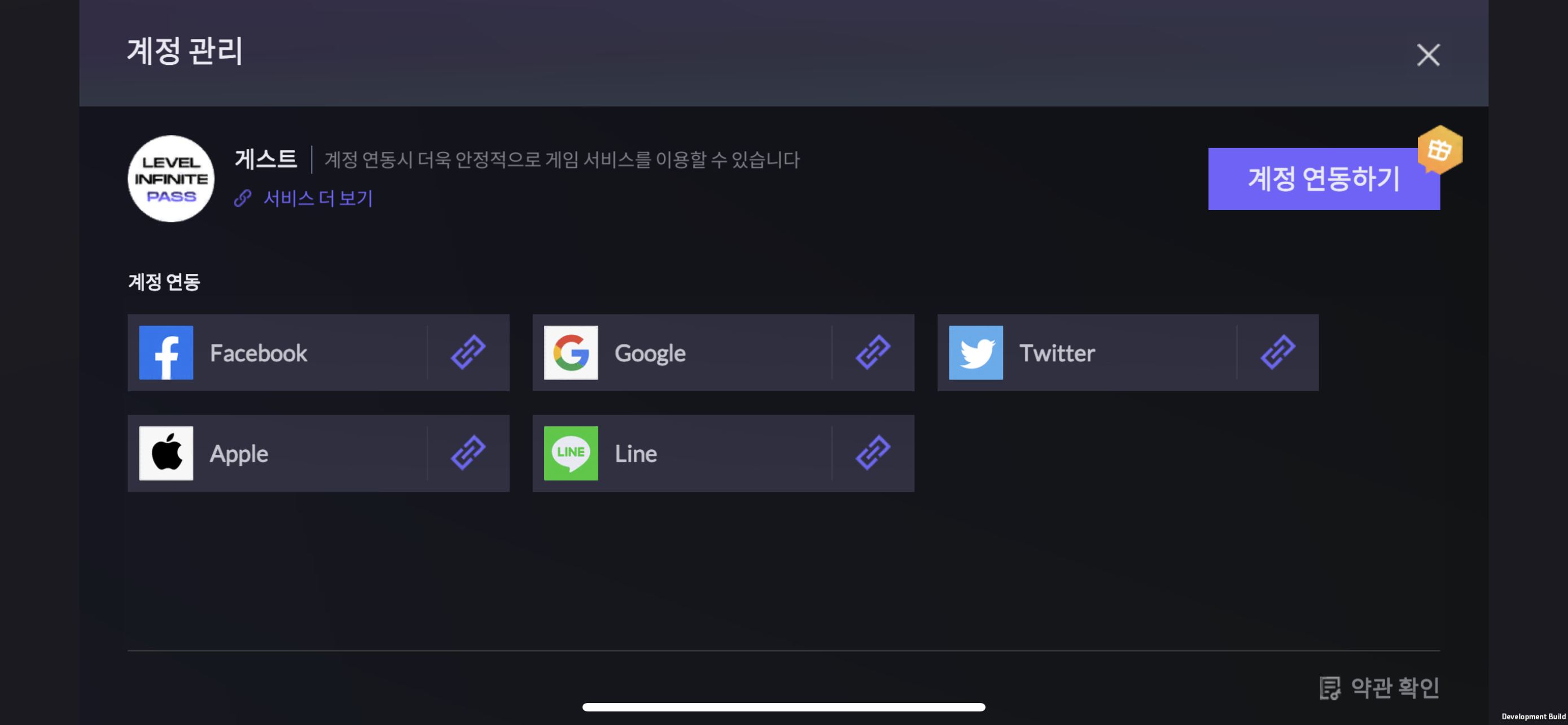
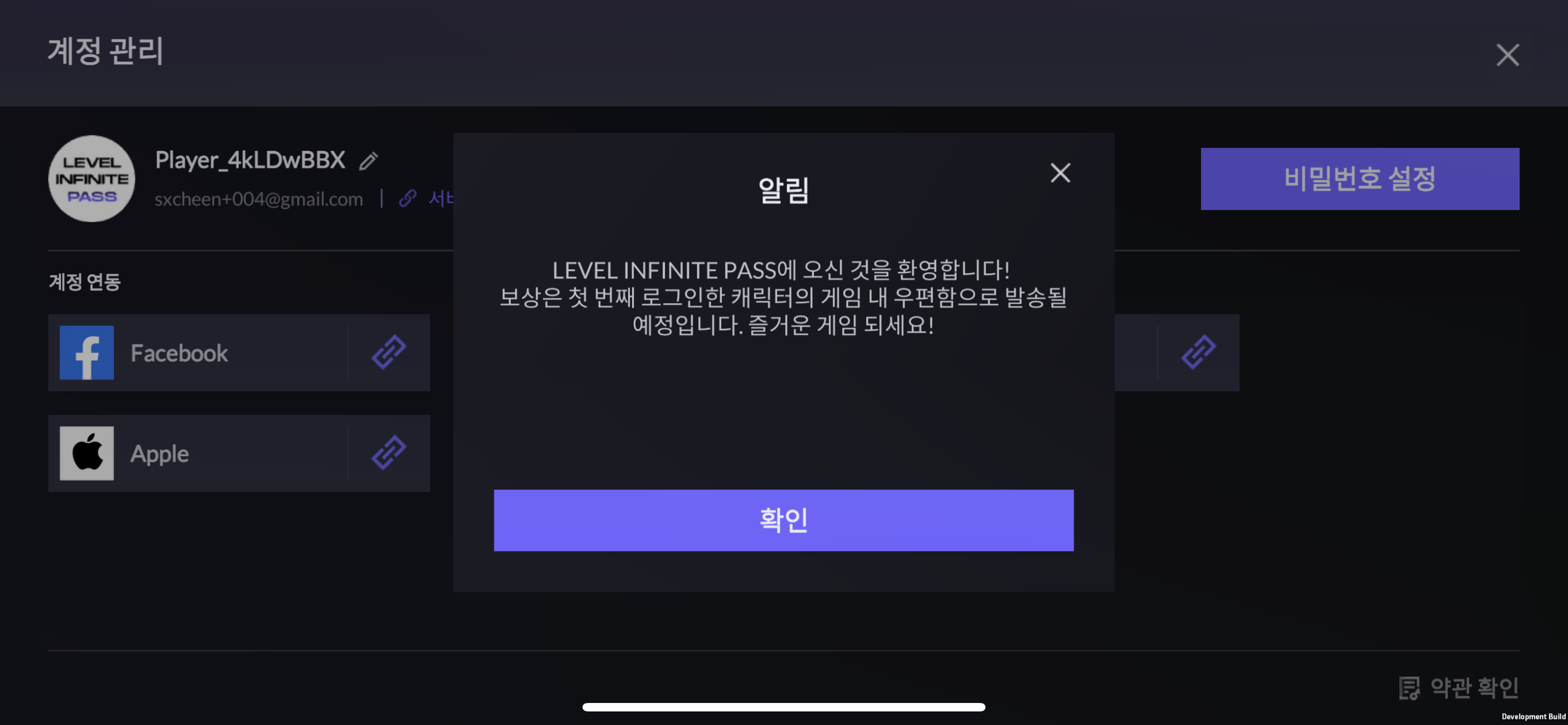
Korean
Turkish