Windows
Step 1: Configure Passkey in Player Network SDK
Add PASSKEY_ENABLE = 1 in the INTLConfig.ini file to enable Passkey functionality. For details, see PASSKEY_ENABLE.
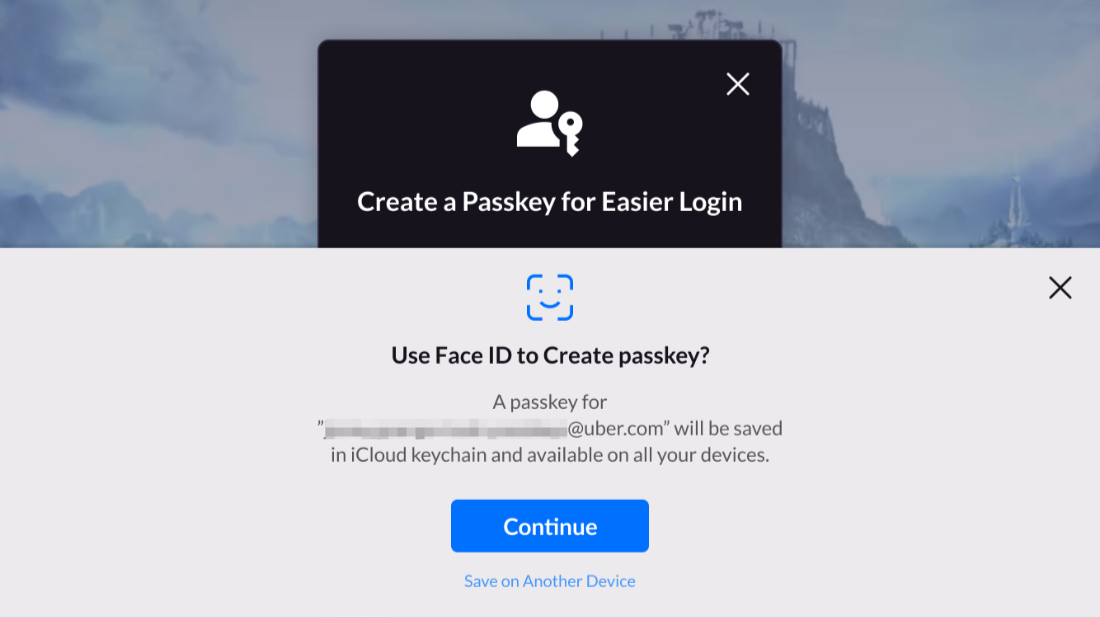
Step 2: Test Passkey Functionality
After repackaging, click Passkey on the LI PASS login panel to confirm that the Passkey interface displays normally.