Android Share Function
Use the SendMessage or Share method and pass in FriendReqInfo to implement the share functionality.For callback information, refer to Unity Callback /
Unreal Callback.
Facebook
Prerequisites
- Requires the Facebook/Messenger apps to be installed.
- Ensure the Project is published on the Android store.
- Since 2019.06.10, the Share to Messenger SDK no longer supports new apps
- Since Facebook SDK V4.22.0, Title, Description, Caption, and ImagePath fields are ignored when sharing links.
| Method | Content | Target |
|---|---|---|
| SendMessage | Link | Messenger |
| Share | Link | Feed |
| Share | Image | Feed / Gaming |
| Share | Video | Feed / Reels |
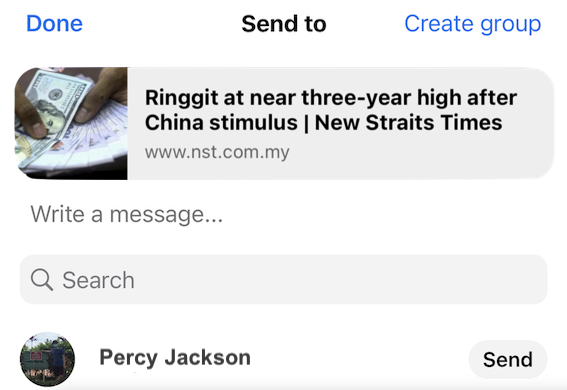
SendMessage: Link
Share link to Messenger.
Parameters:
- Type:
Friend_REQ_LINK(Unity) /kReqLink(UE) - Link: URL
- Unity
- Unreal Engine
var reqInfo = new INTLFriendReqInfo();
reqInfo.Type = (int)INTLFriendReqType.Friend_REQ_LINK;
reqInfo.Link = "https://www.facebook.com/link";
INTLAPI.SendMessage(reqInfo, INTLChannel.Facebook);
FINTLFriendReqInfo reqInfo;
reqInfo.Type = (int32)EINTLFriendReqType::kReqLink;
reqInfo.Link = "https://www.facebook.com/link";
UINTLSDKAPI::SendMessage(reqInfo, EINTLLoginChannel::kChannelFacebook);
Share: Link
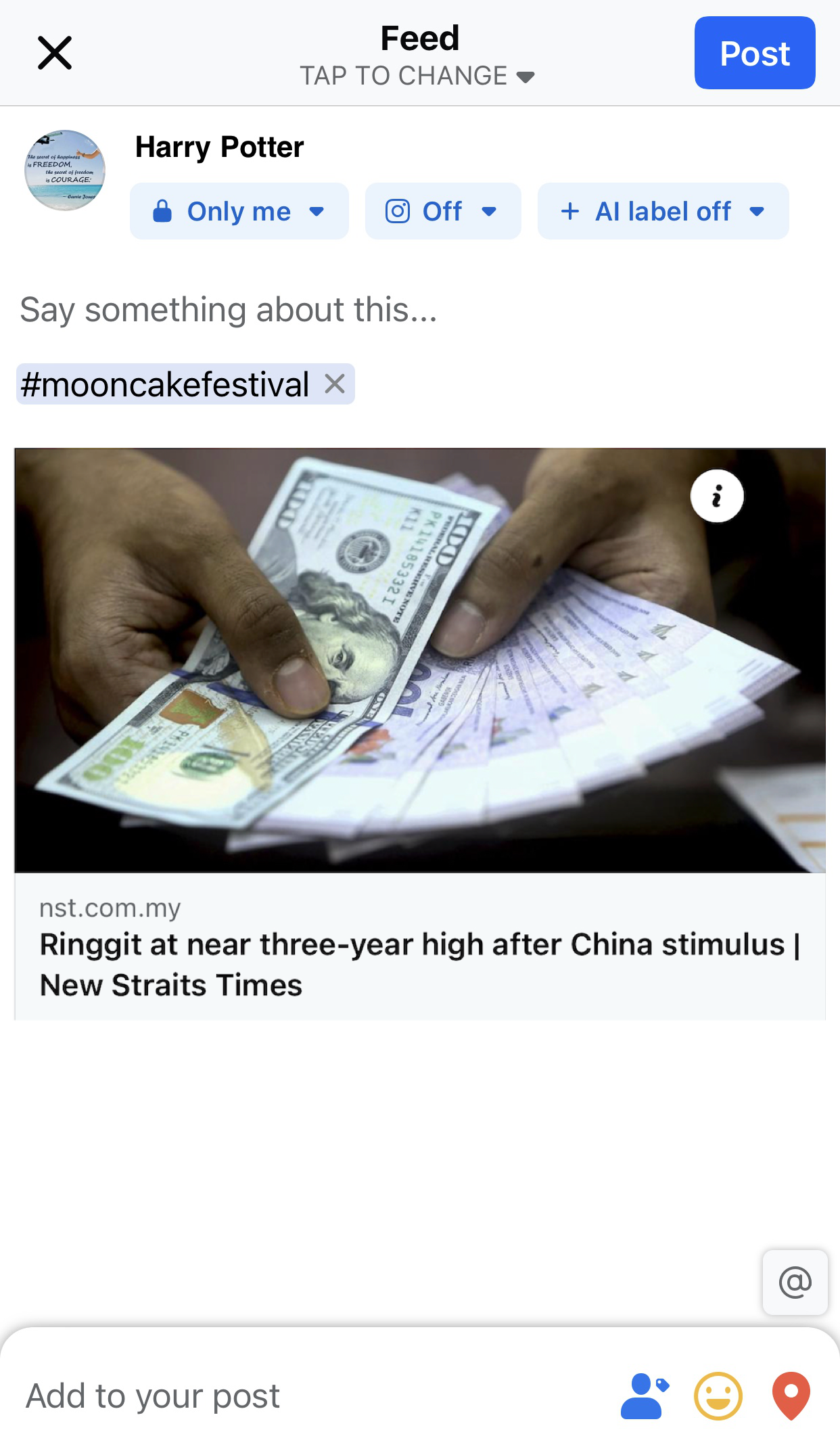
Share link to Facebook Feed.
Parameters:
- Type:
Friend_REQ_LINK(Unity) /kReqLink(UE) - Link: URL
- Unity
- Unreal Engine
var reqInfo = new INTLFriendReqInfo();
reqInfo.Type = (int)INTLFriendReqType.Friend_REQ_LINK;
reqInfo.Link = "https://www.google.com";
INTLAPI.Share(reqInfo, INTLChannel.Facebook);
FINTLFriendReqInfo reqInfo;
reqInfo.Type = (int32)EINTLFriendReqType::kReqLink;
reqInfo.Link = "https://www.google.com";
UINTLSDKAPI::Share(reqInfo, EINTLLoginChannel::kChannelFacebook);
Share: Image
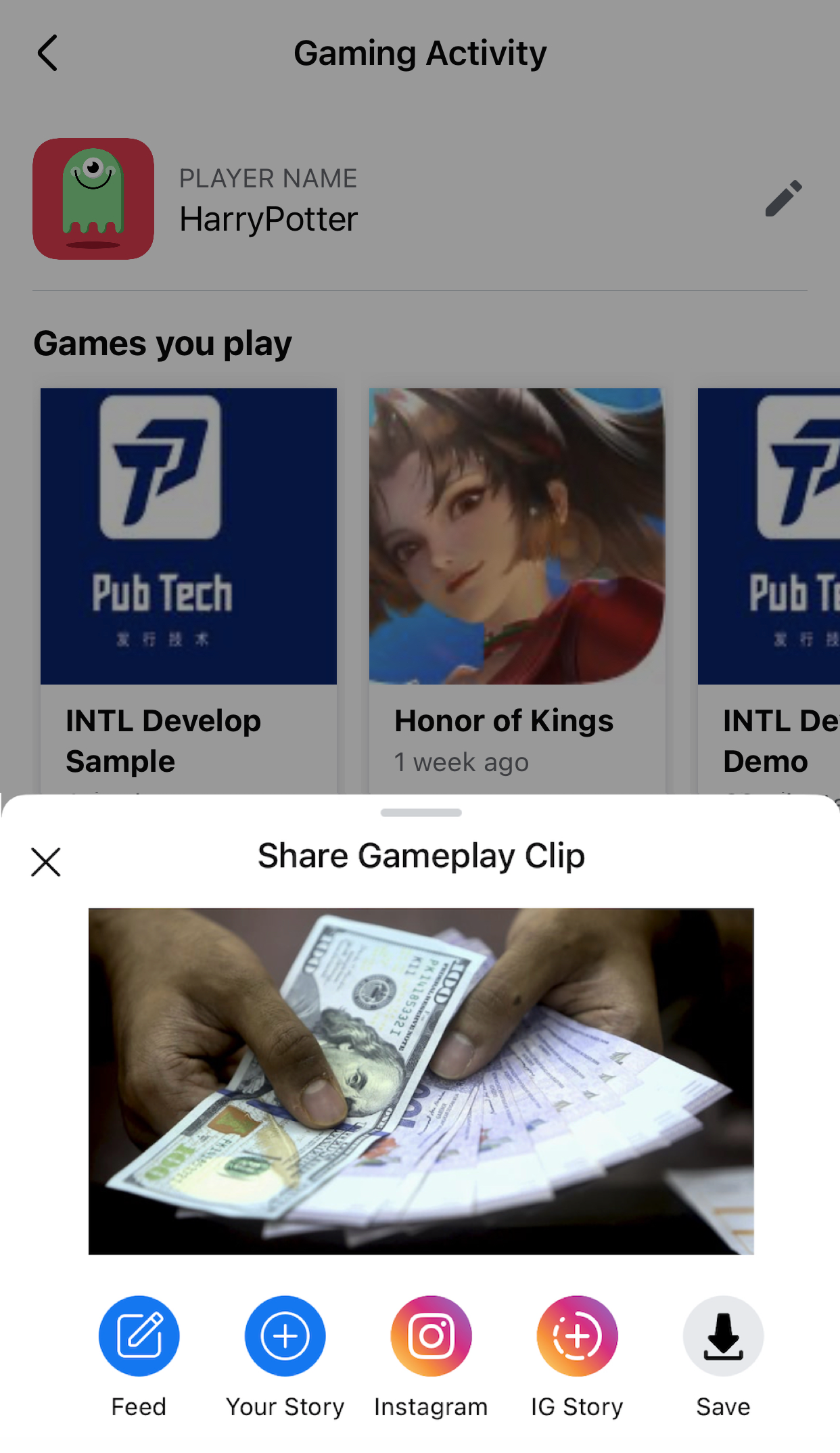
Share image to Facebook Feed or Gaming.
Parameters:
- Type:
Friend_REQ_IMAGE(Unity) /kReqImage(UE) - ImagePath: Local path or URL (≤12MB)
- ExtraJson (optional):
- Feed mode:
{"hashtag":"#value"} - Gaming mode:
{"mode":1}(hashtag not supported)
- Feed mode:
- Unity
- Unreal Engine
var reqInfo = new INTLFriendReqInfo();
reqInfo.Type = (int)INTLFriendReqType.Friend_REQ_IMAGE;
reqInfo.ImagePath = "/path/to/image";
reqInfo.ExtraJson = "{\"content_type\":\"photo\"}";
INTLAPI.Share(reqInfo, INTLChannel.Facebook);
FINTLFriendReqInfo reqInfo;
reqInfo.Type = (int32)EINTLFriendReqType::kReqImage;
reqInfo.ImagePath = "/path/to/image";
reqInfo.ExtraJson = "{\"content_type\":\"photo\"}";
UINTLSDKAPI::Share(reqInfo, EINTLLoginChannel::kChannelFacebook);
Feed share example: For reference, see Share: Link
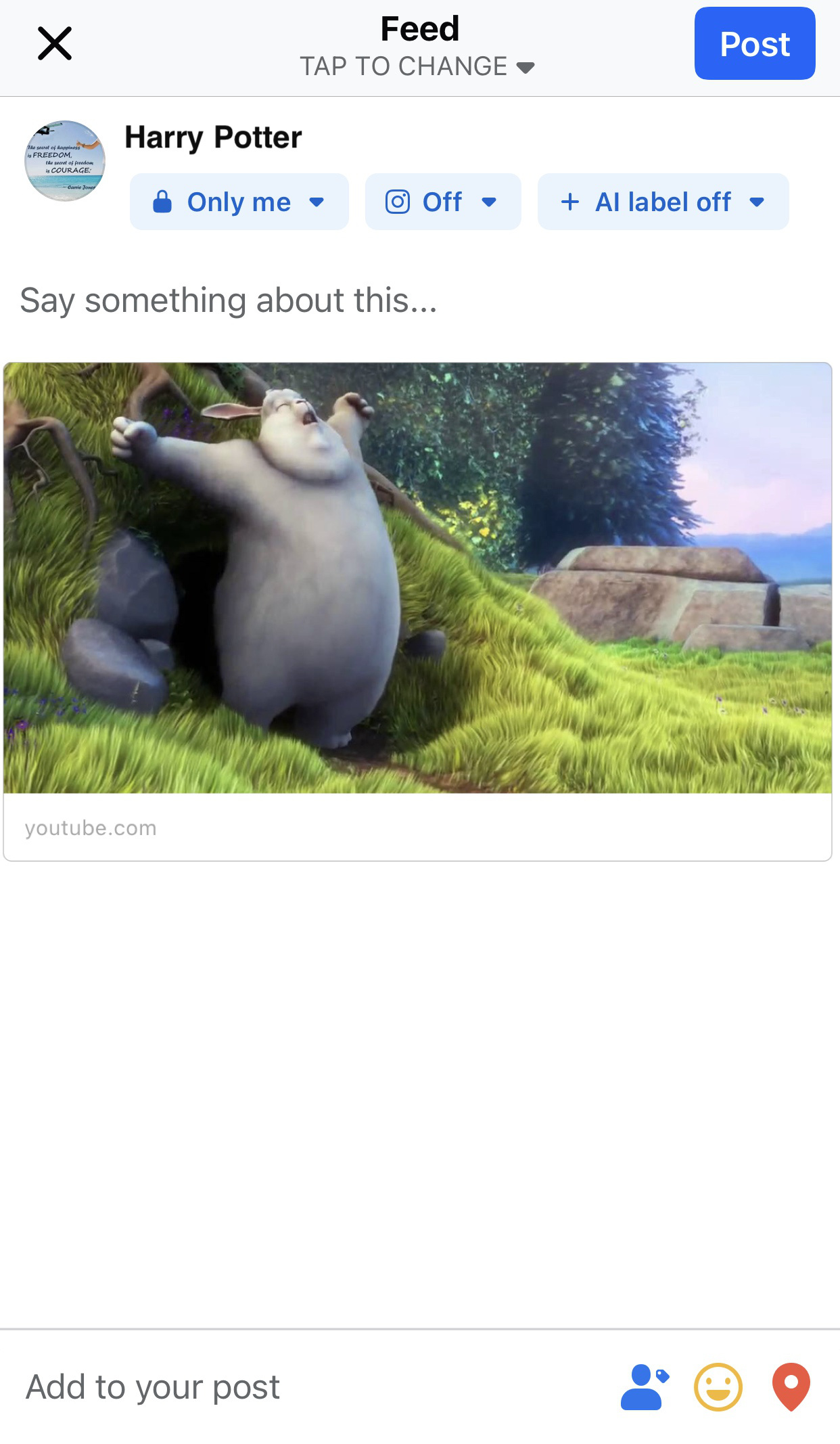
Gaming Share Example:
Share: Video
Share video to Facebook Feed or Reels.
Parameters:
- Type:
Friend_REQ_VIDEO(Unity) /kReqVideo(UE) - MediaPath: Local path (≤50MB)
- ExtraJson:
- Feed mode:
{"hashtag":"#value"} - Reels mode:
{"share_to_reels":true, "hashtag":"#value"}
- Feed mode:
- Unity
- Unreal Engine
var reqInfo = new INTLFriendReqInfo();
reqInfo.Type = (int)INTLFriendReqType.Friend_REQ_VIDEO;
reqInfo.MediaPath = "/path/to/video";

// Share to Feed
reqInfo.ExtraJson = "{\"hashtag\":\"#value\"}";
INTLAPI.Share(reqInfo, INTLChannel.Facebook);

// Share to Reels
reqInfo.ExtraJson = "{\"share_to_reels\":true, \"hashtag\":\"#value\"}";
INTLAPI.Share(reqInfo, INTLChannel.Facebook);
FINTLFriendReqInfo reqInfo;
reqInfo.Type = (int32)EINTLFriendReqType::kReqVideo;
reqInfo.MediaPath = "/path/to/video";

// Share to Feed
reqInfo.ExtraJson = "{\"hashtag\":\"#value\"}";
UINTLSDKAPI::Share(reqInfo, EINTLLoginChannel::kChannelFacebook);

// Share to Reels
reqInfo.ExtraJson = "{\"share_to_reels\":true, \"hashtag\":\"#value\"}";
UINTLSDKAPI::Share(reqInfo, EINTLLoginChannel::kChannelFacebook);
Garena
Garena has announced that it will migrate from the Garena mobile app to the web system by the end of 2024.Garena sub-channels will no longer be available.
Use the subChannel parameter in ExtraJson to share content to Garena-supported sub-channels (Facebook, LINE).
ExtraJson parameters:
- subChannel: Sub-channel name (Facebook / Line)
- mediaTagName: Additional parameter or empty string (optional)
- caption: Description for shared content (optional)
Sub-channel: Facebook
Facebook app must be installed.
| Method | Content |
|---|---|
| Share | Text, link, image |
Share: Text
Parameters:
- Type:
Friend_REQ_TEXT(Unity) /kReqText(UE) - Description: Text content
- ExtraJson:
{"subChannel":"Facebook"}
- Unity
- Unreal Engine
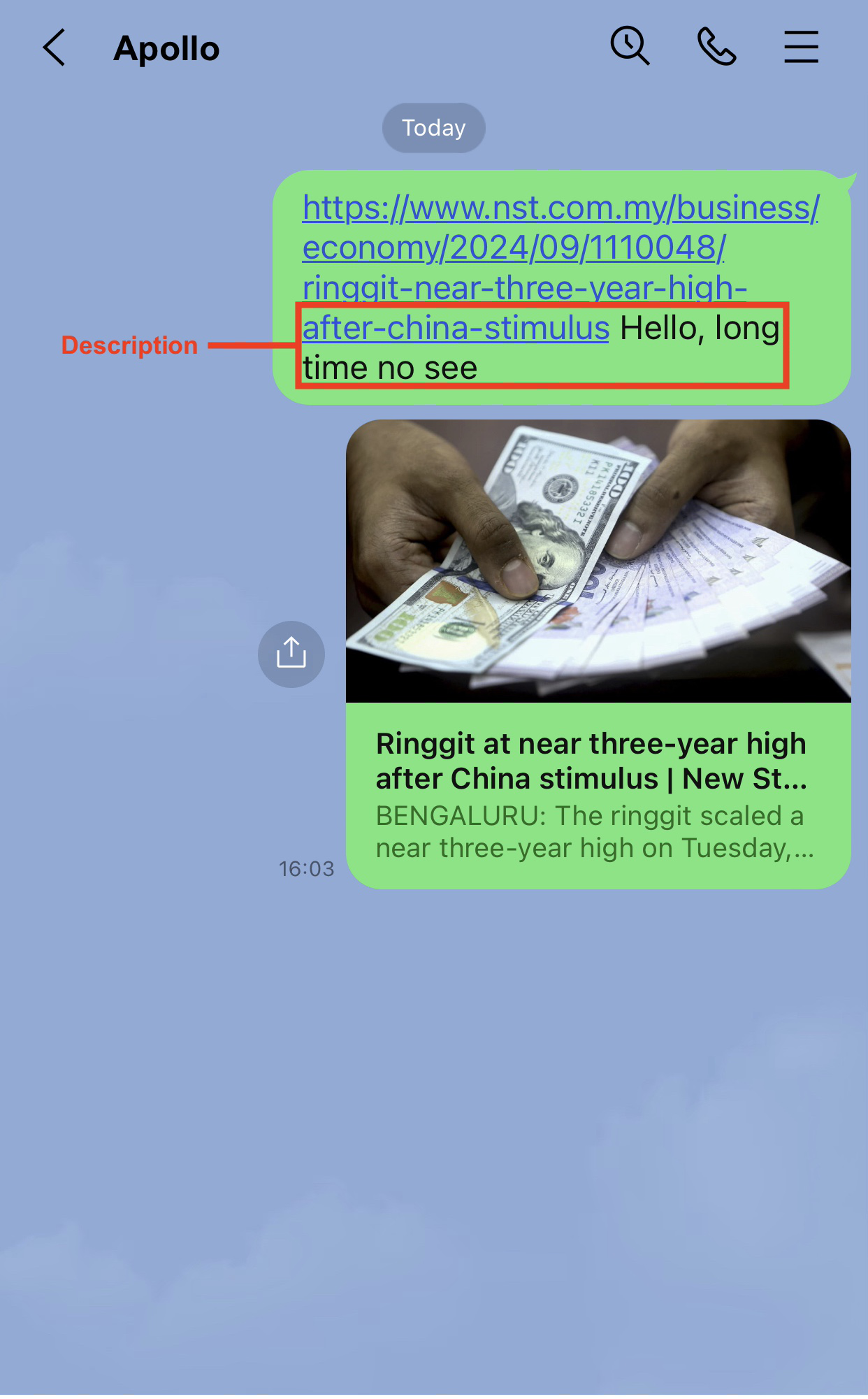
var reqInfo = new INTLFriendReqInfo();
reqInfo.Type = (int)INTLFriendReqType.Friend_REQ_TEXT;
reqInfo.Description = "Hello, long time no see";
reqInfo.ExtraJson = "{\"subChannel\":\"Facebook\"}";
INTLAPI.Share(reqInfo, "Garena");
FINTLFriendReqInfo reqInfo;
reqInfo.Type = (int32)EINTLFriendReqType::kReqText;
reqInfo.Description = "Hello, long time no see";
reqInfo.ExtraJson = "{\"subChannel\":\"Facebook\"}";
UINTLSDKAPI::Share(reqInfo, "Garena");
Share: Link
Parameters:
- Type:
Friend_REQ_LINK(Unity) /kReqLink(UE) - Link: URL
- ExtraJson:
{"subChannel":"Facebook"}
- Unity
- Unreal Engine
var reqInfo = new INTLFriendReqInfo();
reqInfo.Type = (int)INTLFriendReqType.Friend_REQ_LINK;
reqInfo.Link = "https://www.google.com";
reqInfo.ExtraJson = "{\"subChannel\":\"Facebook\"}";
INTLAPI.Share(reqInfo, "Garena");
FINTLFriendReqInfo reqInfo;
reqInfo.Type = (int32)EINTLFriendReqType::kReqLink;
reqInfo.Link = "https://www.google.com";
reqInfo.ExtraJson = "{\"subChannel\":\"Facebook\"}";
UINTLSDKAPI::Share(reqInfo, "Garena");
Share: Image
Parameters:
- Type:
Friend_REQ_IMAGE(Unity) /kReqImage(UE) - ImagePath: Image path (≤12MB)
- ExtraJson:
{"subChannel":"Facebook", "mediaTagName":"me"}
- Unity
- Unreal Engine
var reqInfo = new INTLFriendReqInfo();
reqInfo.Type = (int)INTLFriendReqType.Friend_REQ_IMAGE;
reqInfo.ImagePath = "https://example.com/image.png";
reqInfo.ExtraJson = "{\"subChannel\":\"Facebook\",\"mediaTagName\":\"me\"}";
INTLAPI.Share(reqInfo, "Garena");
FINTLFriendReqInfo reqInfo;
reqInfo.Type = (int32)EINTLFriendReqType::kReqImage;
reqInfo.ImagePath = "https://example.com/image.png";
reqInfo.ExtraJson = "{\"subChannel\":\"Facebook\",\"mediaTagName\":\"me\"}";
UINTLSDKAPI::Share(reqInfo, "Garena");
Sub-channel: LINE
Requires LINE app installation, Garena login not required.
| Method | Content |
|---|---|
| SendMessage | Link, image |
| Share | Link, image |
SendMessage: Link
Parameters:
- Type:
Friend_REQ_LINK(Unity) /kReqLink(UE) - Link: URL
- ExtraJson:
{"subChannel":"Line"}
- Unity
- Unreal Engine
var reqInfo = new INTLFriendReqInfo();
reqInfo.Type = (int)INTLFriendReqType.Friend_REQ_LINK;
reqInfo.Link = "https://www.google.com";
reqInfo.ExtraJson = "{\"subChannel\":\"Line\"}";
INTLAPI.SendMessage(reqInfo, "Garena");
FINTLFriendReqInfo reqInfo;
reqInfo.Type = (int32)EINTLFriendReqType::kReqLink;
reqInfo.Link = "https://www.google.com";
reqInfo.ExtraJson = "{\"subChannel\":\"Line\"}";
UINTLSDKAPI::SendMessage(reqInfo, "Garena");
SendMessage: Image
Parameters:
- Type:
Friend_REQ_IMAGE(Unity) /kReqImage(UE) - ImagePath: Image path
- ExtraJson:
{"subChannel":"Line"}
- Unity
- Unreal Engine
var reqInfo = new INTLFriendReqInfo();
reqInfo.Type = (int)INTLFriendReqType.Friend_REQ_IMAGE;
reqInfo.ImagePath = "https://example.com/image.png";
reqInfo.ExtraJson = "{\"subChannel\":\"Line\"}";
INTLAPI.SendMessage(reqInfo, "Garena");
FINTLFriendReqInfo reqInfo;
reqInfo.Type = (int32)EINTLFriendReqType::kReqImage;
reqInfo.ImagePath = "https://example.com/image.png";
reqInfo.ExtraJson = "{\"subChannel\":\"Line\"}";
UINTLSDKAPI::SendMessage(reqInfo, "Garena");
Share: Link
Parameters:
- Type:
Friend_REQ_LINK(Unity) /kReqLink(UE) - Link: URL
- ExtraJson:
{"subChannel":"Line"}
- Unity
- Unreal Engine
var reqInfo = new INTLFriendReqInfo();
reqInfo.Type = (int)INTLFriendReqType.Friend_REQ_LINK;
reqInfo.Link = "https://www.google.com";
reqInfo.ExtraJson = "{\"subChannel\":\"Line\"}";
INTLAPI.Share(reqInfo, "Garena");
FINTLFriendReqInfo reqInfo;
reqInfo.Type = (int32)EINTLFriendReqType::kReqLink;
reqInfo.Link = "https://www.google.com";
reqInfo.ExtraJson = "{\"subChannel\":\"Line\"}";
UINTLSDKAPI::Share(reqInfo, "Garena");
Share: Image
Parameters:
- Type:
Friend_REQ_IMAGE(Unity) /kReqImage(UE) - ImagePath: Image path
- ExtraJson:
{"subChannel":"Line"}
- Unity
- Unreal Engine
var reqInfo = new INTLFriendReqInfo();
reqInfo.Type = (int)INTLFriendReqType.Friend_REQ_IMAGE;
reqInfo.ImagePath = "https://example.com/image.png";
reqInfo.ExtraJson = "{\"subChannel\":\"Line\"}";
INTLAPI.Share(reqInfo, "Garena");
FINTLFriendReqInfo reqInfo;
reqInfo.Type = (int32)EINTLFriendReqType::kReqImage;
reqInfo.ImagePath = "https://example.com/image.png";
reqInfo.ExtraJson = "{\"subChannel\":\"Line\"}";
UINTLSDKAPI::Share(reqInfo, "Garena");
LINE
Requires installation of LINE app.
| Method | Content |
|---|---|
| SendMessage | Text, image |
SendMessage: Text
Parameters:
- Type:
Friend_REQ_TEXT(Unity) /kReqText(UE) - Description: Text content
- Unity
- Unreal Engine
var reqInfo = new INTLFriendReqInfo();
reqInfo.Type = (int)INTLFriendReqType.Friend_REQ_TEXT;
reqInfo.Description = "Hello, long time no see";
INTLAPI.SendMessage(reqInfo, "LINE");
FINTLFriendReqInfo reqInfo;
reqInfo.Type = (int32)EINTLFriendReqType::kReqText;
reqInfo.Description = "Hello, long time no see";
UINTLSDKAPI::SendMessage(reqInfo, "LINE");
SendMessage: Image
Parameters:
- Type:
Friend_REQ_IMAGE(Unity) /kReqImage(UE) - ImagePath: image path
- Unity
- Unreal Engine
var reqInfo = new INTLFriendReqInfo();
reqInfo.Type = (int)INTLFriendReqType.Friend_REQ_IMAGE;
reqInfo.ImagePath = "/path/to/image";
INTLAPI.SendMessage(reqInfo, "LINE");
FINTLFriendReqInfo reqInfo;
reqInfo.Type = (int32)EINTLFriendReqType::kReqImage;
reqInfo.ImagePath = "/path/to/image";
UINTLSDKAPI::SendMessage(reqInfo, "LINE");
WeChat
Requires installation of WeChat app.
| Method | Content |
|---|---|
| SendMessage | Text, link, image, video |
| Share | Text, link, image, video |
SendMessage: Text
Parameters:
- Type:
Friend_REQ_TEXT(Unity) /kReqText(UE) - Description: Text content
- Unity
- Unreal Engine
var reqInfo = new INTLFriendReqInfo();
reqInfo.Type = (int)INTLFriendReqType.Friend_REQ_TEXT;
reqInfo.Description = "Hello, long time no see";
INTLAPI.SendMessage(reqInfo, INTLChannel.W);
FINTLFriendReqInfo reqInfo;
reqInfo.Type = (int32)EINTLFriendReqType::kReqText;
reqInfo.Description = "Hello, long time no see";
UINTLSDKAPI::SendMessage(reqInfo, EINTLLoginChannel::kChannelW);
SendMessage: Link
Parameters:
- Type:
Friend_REQ_LINK(Unity) /kReqLink(UE) - Link: URL
- Unity
- Unreal Engine
var reqInfo = new INTLFriendReqInfo();
reqInfo.Type = (int)INTLFriendReqType.Friend_REQ_LINK;
reqInfo.Link = "https://www.google.com";
INTLAPI.SendMessage(reqInfo, INTLChannel.W);
FINTLFriendReqInfo reqInfo;
reqInfo.Type = (int32)EINTLFriendReqType::kReqLink;
reqInfo.Link = "https://www.google.com";
UINTLSDKAPI::SendMessage(reqInfo, EINTLLoginChannel::kChannelW);
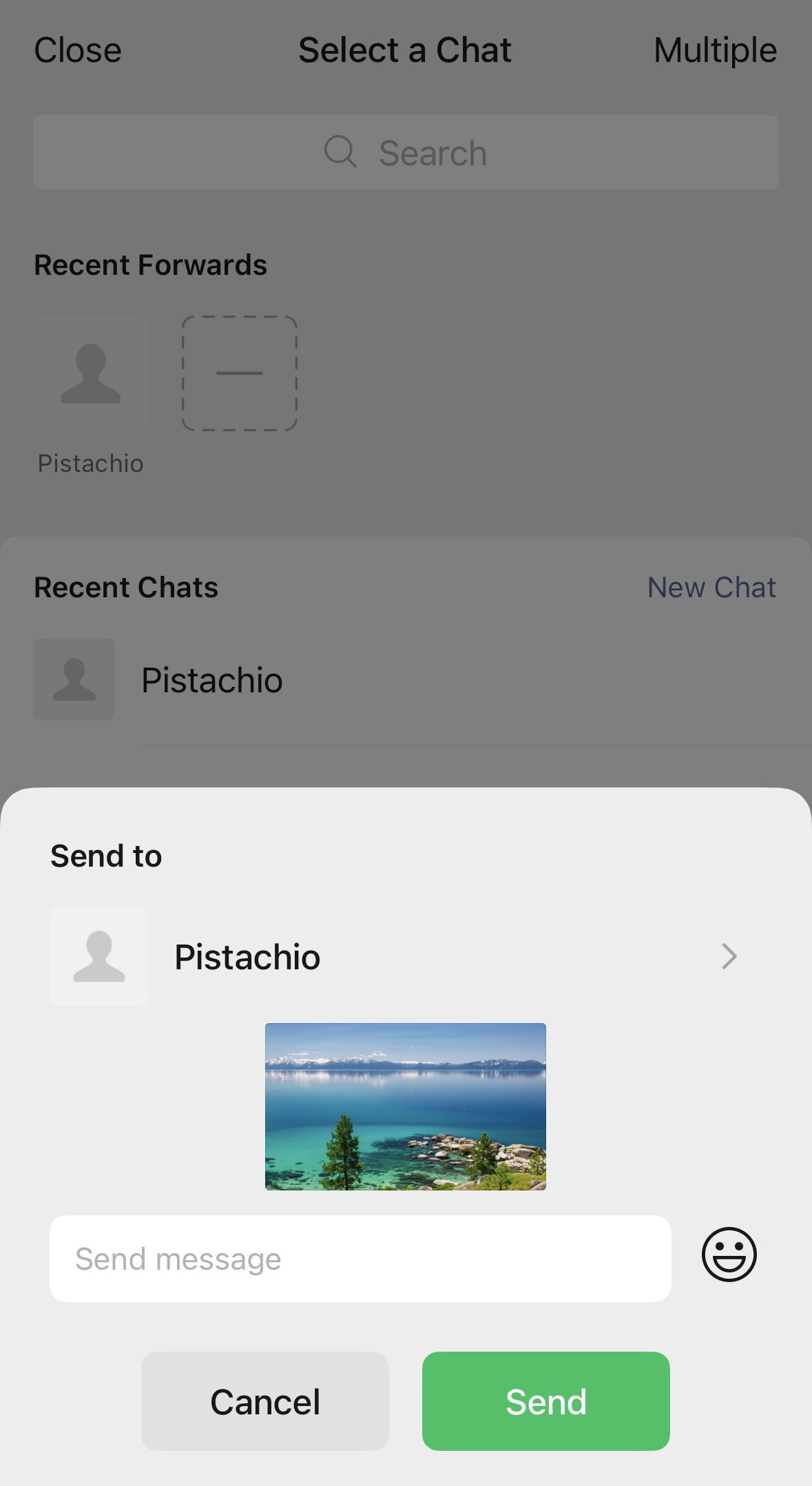
SendMessage: Image
Parameters:
- Type:
Friend_REQ_IMAGE(Unity) /kReqImage(UE) - ImagePath: Image path
- Unity
- Unreal Engine
var reqInfo = new INTLFriendReqInfo();
reqInfo.Type = (int)INTLFriendReqType.Friend_REQ_IMAGE;
reqInfo.ImagePath = "/path/to/image";
INTLAPI.SendMessage(reqInfo, INTLChannel.W);
FINTLFriendReqInfo reqInfo;
reqInfo.Type = (int32)EINTLFriendReqType::kReqImage;
reqInfo.ImagePath = "/path/to/image";
UINTLSDKAPI::SendMessage(reqInfo, EINTLLoginChannel::kChannelW);
SendMessage: Video
Parameters:
- Type:
Friend_REQ_VIDEO(Unity) /kReqVideo(UE) - MediaPath: Video path
- Unity
- Unreal Engine
var reqInfo = new INTLFriendReqInfo();
reqInfo.Type = (int)INTLFriendReqType.Friend_REQ_VIDEO;
reqInfo.MediaPath = "/path/to/video";
INTLAPI.SendMessage(reqInfo, INTLChannel.W);
FINTLFriendReqInfo reqInfo;
reqInfo.Type = (int32)EINTLFriendReqType::kReqVideo;
reqInfo.MediaPath = "/path/to/video";
UINTLSDKAPI::SendMessage(reqInfo, EINTLLoginChannel::kChannelW);
Share: Text
Parameters:
- Type:
Friend_REQ_TEXT(Unity) /kReqText(UE) - Description: Text content
- Unity
- Unreal Engine
var reqInfo = new INTLFriendReqInfo();
reqInfo.Type = (int)INTLFriendReqType.Friend_REQ_TEXT;
reqInfo.Description = "Hello, long time no see";
INTLAPI.Share(reqInfo, INTLChannel.W);
FINTLFriendReqInfo reqInfo;
reqInfo.Type = (int32)EINTLFriendReqType::kReqText;
reqInfo.Description = "Hello, long time no see";
UINTLSDKAPI::Share(reqInfo, EINTLLoginChannel::kChannelW);
Share: Link
Parameters:
- Type:
Friend_REQ_LINK(Unity) /kReqLink(UE) - Link: URL
- Unity
- Unreal Engine
var reqInfo = new INTLFriendReqInfo();
reqInfo.Type = (int)INTLFriendReqType.Friend_REQ_LINK;
reqInfo.Link = "https://www.google.com";
INTLAPI.Share(reqInfo, INTLChannel.W);
FINTLFriendReqInfo reqInfo;
reqInfo.Type = (int32)EINTLFriendReqType::kReqLink;
reqInfo.Link = "https://www.google.com";
UINTLSDKAPI::Share(reqInfo, EINTLLoginChannel::kChannelW);
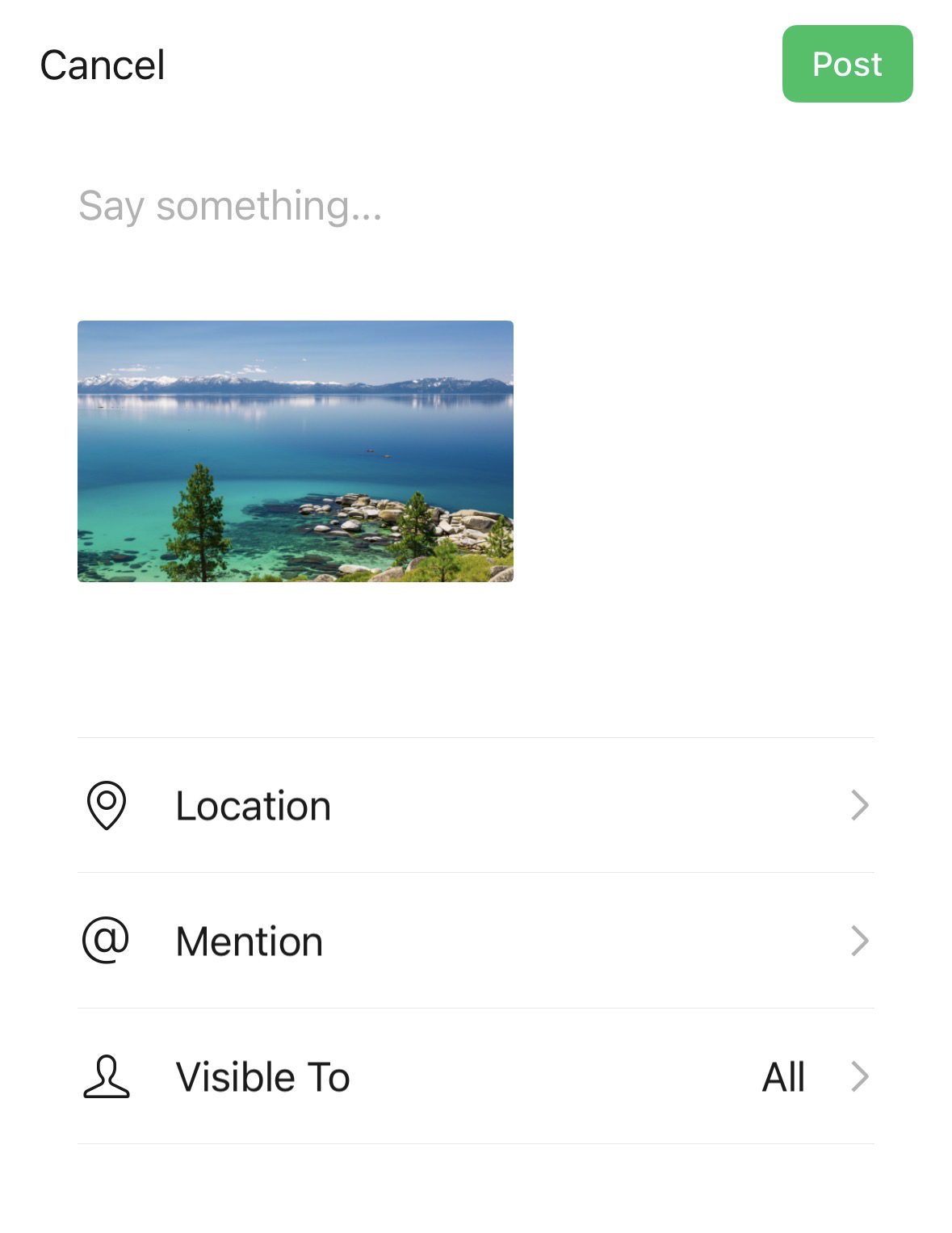
Share: Image
Parameters:
- Type:
Friend_REQ_IMAGE(Unity) /kReqImage(UE) - ImagePath: Image path
- Unity
- Unreal Engine
var reqInfo = new INTLFriendReqInfo();
reqInfo.Type = (int)INTLFriendReqType.Friend_REQ_IMAGE;
reqInfo.ImagePath = "/path/to/image";
INTLAPI.Share(reqInfo, INTLChannel.W);
FINTLFriendReqInfo reqInfo;
reqInfo.Type = (int32)EINTLFriendReqType::kReqImage;
reqInfo.ImagePath = "/path/to/image";
UINTLSDKAPI::Share(reqInfo, EINTLLoginChannel::kChannelW);
Share: Video
Parameters:
- Type:
Friend_REQ_VIDEO(Unity) /kReqVideo(UE) - MediaPath: Video path
- Unity
- Unreal Engine
var reqInfo = new INTLFriendReqInfo();
reqInfo.Type = (int)INTLFriendReqType.Friend_REQ_VIDEO;
reqInfo.MediaPath = "/path/to/video";
INTLAPI.Share(reqInfo, INTLChannel.W);
FINTLFriendReqInfo reqInfo;
reqInfo.Type = (int32)EINTLFriendReqType::kReqVideo;
reqInfo.MediaPath = "/path/to/video";
UINTLSDKAPI::Share(reqInfo, EINTLLoginChannel::kChannelW);
QQ
Requires installation and login to QQ app.
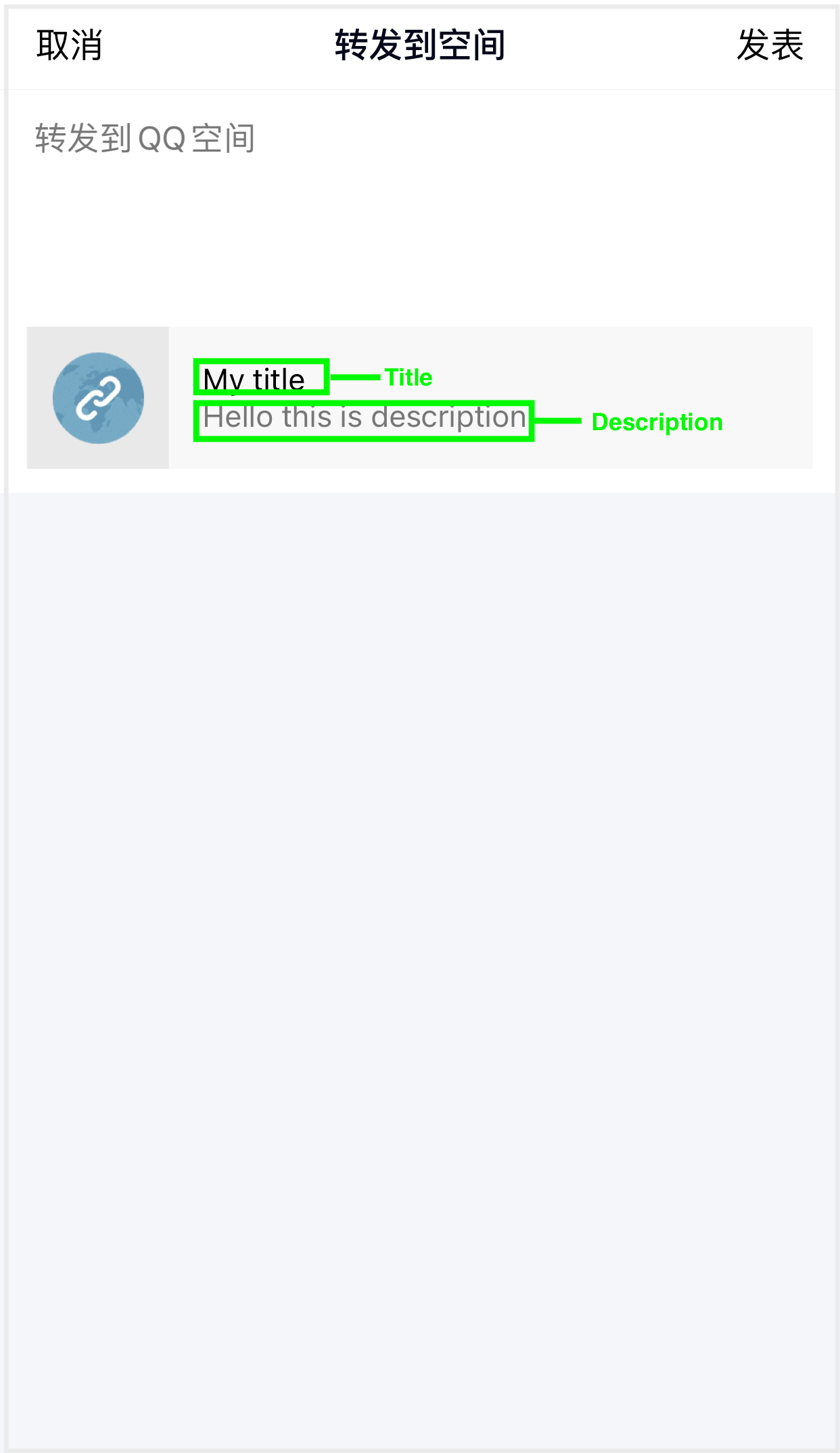
| Method | Content | Target |
|---|---|---|
| SendMessage | Link, Image | QQ Friend |
| Share | Text, Link, Image, Video | QZone |
SendMessage: Link
Parameters:
- Type:
Friend_REQ_LINK(Unity) /kReqLink(UE) - Title: Title (≤30 characters)
- Description: Description (≤40 characters)
- Link: URL
- ThumbPath: thumbnail image path
- Unity
- Unreal Engine
var reqInfo = new INTLFriendReqInfo();
reqInfo.Type = (int)INTLFriendReqType.Friend_REQ_LINK;
reqInfo.Link = "https://www.google.com";
reqInfo.Title = "INTL test";
reqInfo.Description = "INTL link sending test";
reqInfo.ThumbPath = "http://mat1.gtimg.com/www/qq2018/imgs/qq_logo_2018x2.png";
INTLAPI.SendMessage(reqInfo, INTLChannel.QQ);
FINTLFriendReqInfo reqInfo;
reqInfo.Type = (int32)EINTLFriendReqType::kReqLink;
reqInfo.Link = "https://www.google.com";
reqInfo.Title = "INTL test";
reqInfo.Description = "INTL link sending test";
reqInfo.ThumbPath = "http://mat1.gtimg.com/www/qq2018/imgs/qq_logo_2018x2.png";
UINTLSDKAPI::SendMessage(reqInfo, EINTLLoginChannel::kChannelQQ);
SendMessage: Image
Parameters:
- Type:
Friend_REQ_IMAGE(Unity) /kReqImage(UE) - Title: Title (≤30 characters)
- Description: Description (≤40 characters)
- ImagePath: image path (local or URL)
- Unity
- Unreal Engine
var reqInfo = new INTLFriendReqInfo();
reqInfo.Type = (int)INTLFriendReqType.Friend_REQ_IMAGE;
reqInfo.Title = "INTL test";
reqInfo.Description = "INTL description";
reqInfo.ImagePath = "http://mat1.gtimg.com/www/qq2018/imgs/qq_logo_2018x2.png";
INTLAPI.SendMessage(reqInfo, INTLChannel.QQ);
FINTLFriendReqInfo reqInfo;
reqInfo.Type = (int32)EINTLFriendReqType::kReqImage;
reqInfo.Title = "INTL test";
reqInfo.Description = "INTL description";
reqInfo.ImagePath = "http://mat1.gtimg.com/www/qq2018/imgs/qq_logo_2018x2.png";
UINTLSDKAPI::SendMessage(reqInfo, EINTLLoginChannel::kChannelQQ);
Share: Text
Parameters:
- Type:
Friend_REQ_TEXT(Unity) /kReqText(UE) - Title: Title (≤30 characters)
- Description: Description (≤40 characters)
- Unity
- Unreal Engine
var reqInfo = new INTLFriendReqInfo();
reqInfo.Type = (int)INTLFriendReqType.Friend_REQ_TEXT;
reqInfo.Description = "INTL text sending test";
INTLAPI.Share(reqInfo, INTLChannel.QQ);
FINTLFriendReqInfo reqInfo;
reqInfo.Type = (int32)EINTLFriendReqType::kReqText;
reqInfo.Description = "INTL text sending test";
UINTLSDKAPI::Share(reqInfo, EINTLLoginChannel::kChannelQQ);
Share: Link
Parameters:
- Type:
Friend_REQ_LINK(Unity) /kReqLink(UE) - Title: Title (≤30 characters)
- Description: Description (≤40 characters)
- Link: URL
- ImagePath: thumbnail image path
- Unity
- Unreal Engine
var reqInfo = new INTLFriendReqInfo();
reqInfo.Type = (int)INTLFriendReqType.Friend_REQ_LINK;
reqInfo.Title = "INTL share";
reqInfo.Description = "INTL description";
reqInfo.Link = "https://www.google.com";
reqInfo.ImagePath = "http://mat1.gtimg.com/www/qq2018/imgs/qq_logo_2018x2.png";
INTLAPI.Share(reqInfo, INTLChannel.QQ);
FINTLFriendReqInfo reqInfo;
reqInfo.Type = (int32)EINTLFriendReqType::kReqLink;
reqInfo.Title = "INTL share";
reqInfo.Description = "INTL description";
reqInfo.Link = "https://www.google.com";
reqInfo.ImagePath = "http://mat1.gtimg.com/www/qq2018/imgs/qq_logo_2018x2.png";
UINTLSDKAPI::Share(reqInfo, EINTLLoginChannel::kChannelQQ);
Share: Image
Parameters:
- Type:
Friend_REQ_IMAGE(Unity) /kReqImage(UE) - Title: Title (≤30 characters)
- Description: Description (≤40 characters)
- ImagePath: image path (local or URL)
- Unity
- Unreal Engine
var reqInfo = new INTLFriendReqInfo();
reqInfo.Type = (int)INTLFriendReqType.Friend_REQ_IMAGE;
reqInfo.Title = "INTL test";
reqInfo.Description = "INTL description";
reqInfo.ImagePath = "http://mat1.gtimg.com/www/qq2018/imgs/qq_logo_2018x2.png";
INTLAPI.Share(reqInfo, INTLChannel.QQ);
FINTLFriendReqInfo reqInfo;
reqInfo.Type = (int32)EINTLFriendReqType::kReqImage;
reqInfo.Title = "INTL test";
reqInfo.Description = "INTL description";
reqInfo.ImagePath = "http://mat1.gtimg.com/www/qq2018/imgs/qq_logo_2018x2.png";
UINTLSDKAPI::Share(reqInfo, EINTLLoginChannel::kChannelQQ);
Share: Video
Parameters:
- Type:
Friend_REQ_VIDEO(Unity) /kReqVideo(UE) - Title: Title (≤30 characters)
- Description: Description (≤40 characters)
- MediaPath: video path
- Unity
- Unreal Engine
var reqInfo = new INTLFriendReqInfo();
reqInfo.Type = (int)INTLFriendReqType.Friend_REQ_VIDEO;
reqInfo.Title = "INTL test";
reqInfo.Description = "INTL description";
reqInfo.MediaPath = "/path/to/video";
INTLAPI.Share(reqInfo, INTLChannel.QQ);
FINTLFriendReqInfo reqInfo;
reqInfo.Type = (int32)EINTLFriendReqType::kReqVideo;
reqInfo.Title = "INTL test";
reqInfo.Description = "INTL description";
reqInfo.MediaPath = "/path/to/video";
UINTLSDKAPI::Share(reqInfo, EINTLLoginChannel::kChannelQQ);
Instagram
Requires installation of Instagram app.
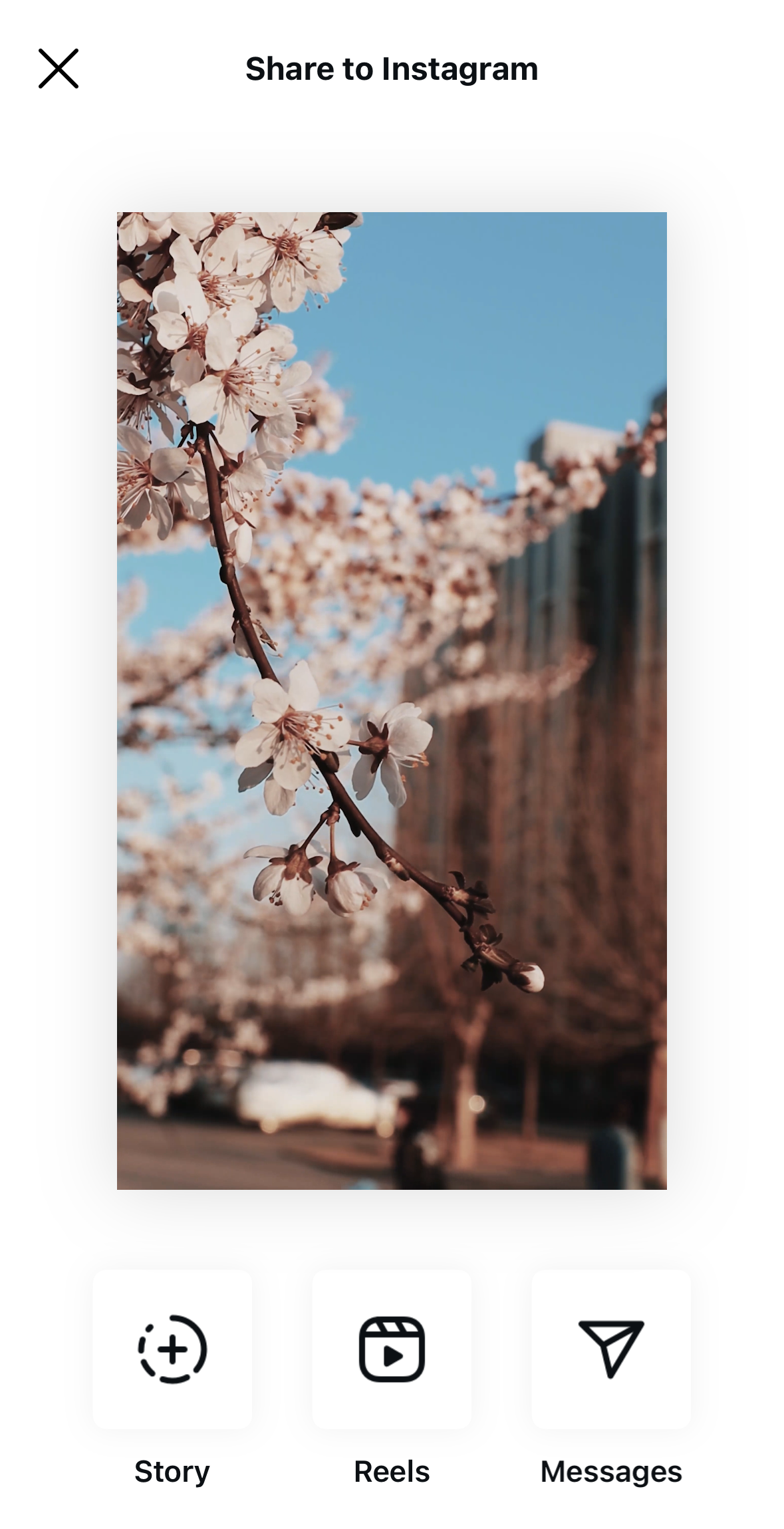
| Method | Content |
|---|---|
| Share | Image, Video |
Share: Image
Parameters:
- Type:
Friend_REQ_IMAGE(Unity) /kReqImage(UE) - ImagePath: image path
- Unity
- Unreal Engine
var reqInfo = new INTLFriendReqInfo();
reqInfo.Type = (int)INTLFriendReqType.Friend_REQ_IMAGE;
reqInfo.ImagePath = "/path/to/image";
INTLAPI.Share(reqInfo, "Instagram");
FINTLFriendReqInfo reqInfo;
reqInfo.Type = (int32)EINTLFriendReqType::kReqImage;
reqInfo.ImagePath = "/path/to/image";
UINTLSDKAPI::Share(reqInfo, "Instagram");
Share: Video
Parameters:
- Type:
Friend_REQ_VIDEO(Unity) /kReqVideo(UE) - MediaPath: video path
- Unity
- Unreal Engine
var reqInfo = new INTLFriendReqInfo();
reqInfo.Type = (int)INTLFriendReqType.Friend_REQ_VIDEO;
reqInfo.MediaPath = "/path/to/video";
INTLAPI.Share(reqInfo, "Instagram");
FINTLFriendReqInfo reqInfo;
reqInfo.Type = (int32)EINTLFriendReqType::kReqVideo;
reqInfo.MediaPath = "/path/to/video";
UINTLSDKAPI::Share(reqInfo, "Instagram");
WhatsApp
Requires installation and login to WhatsApp app.
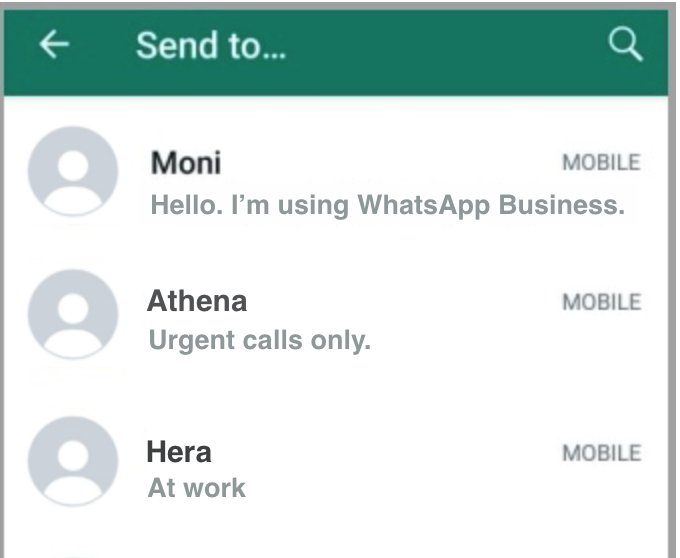
When sharing text or links, Share will return success immediately regardless of the actual result.
| Method | Content |
|---|---|
| Share | Text, Link, Image, Video |
Share: Text
Parameters:
- Type:
Friend_REQ_TEXT(Unity) /kReqText(UE) - Description: Text content
- Unity
- Unreal Engine
var reqInfo = new INTLFriendReqInfo();
reqInfo.Type = (int)INTLFriendReqType.Friend_REQ_TEXT;
reqInfo.Description = "Hello, long time no see";
INTLAPI.Share(reqInfo, "WhatsApp");
FINTLFriendReqInfo reqInfo;
reqInfo.Type = (int32)EINTLFriendReqType::kReqText;
reqInfo.Description = "Hello, long time no see";
UINTLSDKAPI::Share(reqInfo, "WhatsApp");
Share: Link
Parameters:
- Type:
Friend_REQ_LINK(Unity) /kReqLink(UE) - Link: URL
- Unity
- Unreal Engine
var reqInfo = new INTLFriendReqInfo();
reqInfo.Type = (int)INTLFriendReqType.Friend_REQ_LINK;
reqInfo.Link = "https://www.google.com";
INTLAPI.Share(reqInfo, "WhatsApp");
FINTLFriendReqInfo reqInfo;
reqInfo.Type = (int32)EINTLFriendReqType::kReqLink;
reqInfo.Link = "https://www.google.com";
UINTLSDKAPI::Share(reqInfo, "WhatsApp");
Share: Image
Parameters:
- Type:
Friend_REQ_IMAGE(Unity) /kReqImage(UE) - ImagePath: image path
- Unity
- Unreal Engine
var reqInfo = new INTLFriendReqInfo();
reqInfo.Type = (int)INTLFriendReqType.Friend_REQ_IMAGE;
reqInfo.ImagePath = "/path/to/image";
INTLAPI.Share(reqInfo, "WhatsApp");
FINTLFriendReqInfo reqInfo;
reqInfo.Type = (int32)EINTLFriendReqType::kReqImage;
reqInfo.ImagePath = "/path/to/image";
UINTLSDKAPI::Share(reqInfo, "WhatsApp");
Share: Video
Parameters:
- Type:
Friend_REQ_VIDEO(Unity) /kReqVideo(UE) - MediaPath: video path
- Unity
- Unreal Engine
var reqInfo = new INTLFriendReqInfo();
reqInfo.Type = (int)INTLFriendReqType.Friend_REQ_VIDEO;
reqInfo.MediaPath = "/path/to/video";
INTLAPI.Share(reqInfo, "WhatsApp");
FINTLFriendReqInfo reqInfo;
reqInfo.Type = (int32)EINTLFriendReqType::kReqVideo;
reqInfo.MediaPath = "/path/to/video";
UINTLSDKAPI::Share(reqInfo, "WhatsApp");
YouTube
To share on YouTube for the first time, you need to create a channel.Create a YouTube channel with your authorized Google account, using any of the following methods:
- Mobile browser: Login to YouTube → tap the avatar → tap "Create channel" → enter channel name → done.
- YouTube App: After logging in, tap the avatar → "Your channel" → the system will guide you through creating one.
- Google account dashboard: Login to Google → open dashboard → YouTube → create channel.
| Method | Content |
|---|---|
| Share | Video |
Share: Video
Parameters:
- Type:
Friend_REQ_VIDEO(Unity) /kReqVideo(UE) - MediaPath: video path (local or URL)
- Unity
- Unreal Engine
var reqInfo = new INTLFriendReqInfo();
reqInfo.Type = (int)INTLFriendReqType.Friend_REQ_VIDEO;
reqInfo.MediaPath = "/path/to/video";
INTLAPI.Share(reqInfo, "Youtube");
FINTLFriendReqInfo reqInfo;
reqInfo.Type = (int32)EINTLFriendReqType::kReqVideo;
reqInfo.MediaPath = "/path/to/video";
UINTLSDKAPI::Share(reqInfo, "Youtube");
TikTok
Requires installation and login to TikTok app.
| Method | Content |
|---|---|
| Share | Video |
Share: Video
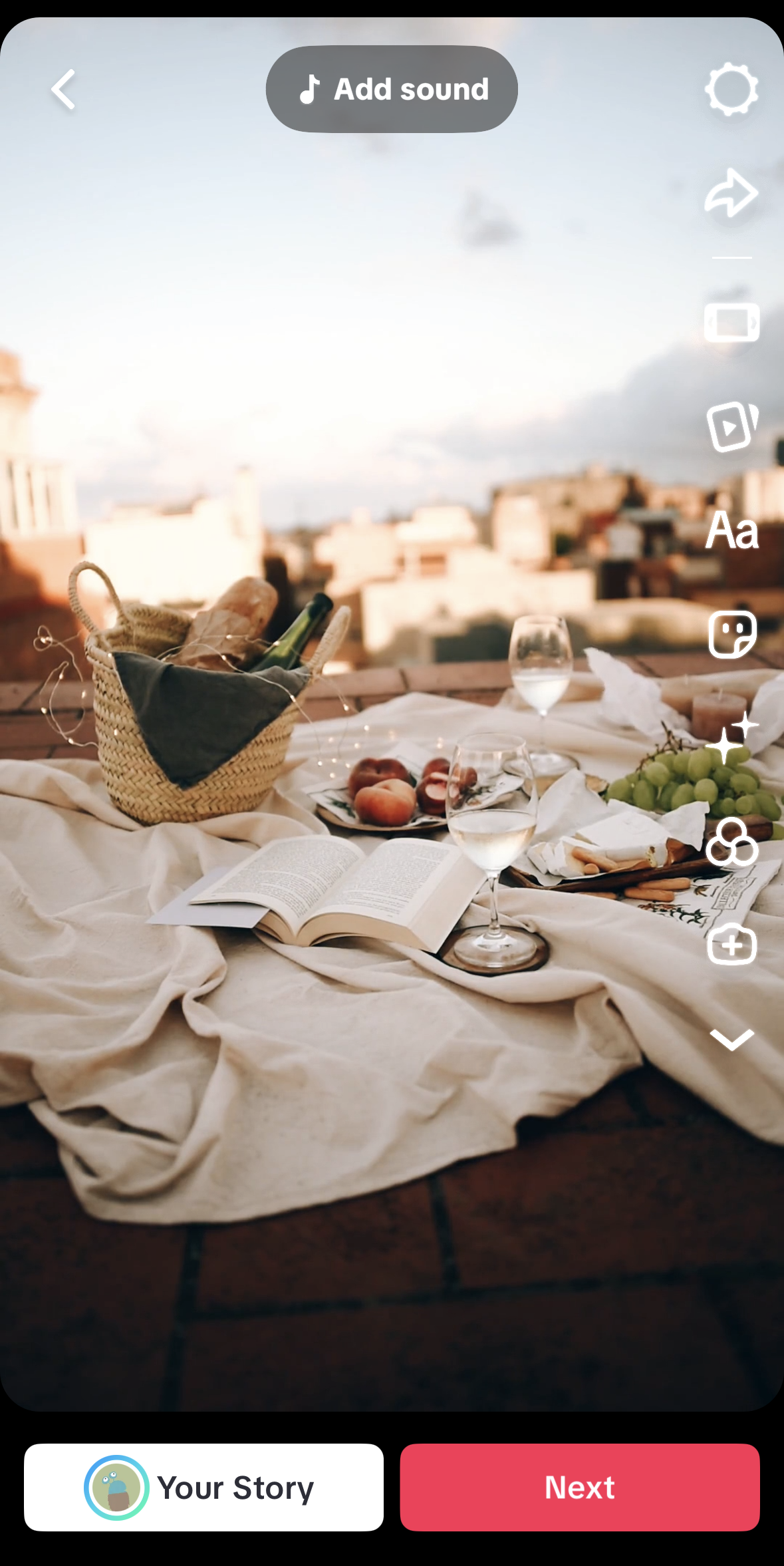
TikTok on Android supports two mutually exclusive share modes, selected through ExtraJson:
- Local video mode (default): The SDK opens the TikTok share sheet with the local video file specified in
MediaPath. - CDN URL mode: The SDK returns a TikTok auth code and the CDN URL to the game. The game's backend is then expected to publish the video to TikTok via the TikTok server API.
Parameters:
- Type:
Friend_REQ_VIDEO(Unity) /kReqVideo(UE) - MediaPath: Local video file path.Used only in local video mode.
- ExtraJson (optional): TikTok-specific options.
| Field | Type | Default | Description |
|---|---|---|---|
shareLocalVideoFlag | bool | true | true shares the local video pointed to by MediaPath through the TikTok share sheet. false switches to CDN URL mode and uses shareUrl. |
needLoginTikTok | bool | true | CDN URL mode only.true triggers TikTok authorization first, then returns the auth code to the game. false skips authorization and returns an empty auth code. |
shareUrl | string | "" | CDN URL mode only. The video URL to be shared. |
Local Video Mode
- Unity
- Unreal Engine
var reqInfo = new INTLFriendReqInfo();
reqInfo.Type = (int)INTLFriendReqType.Friend_REQ_VIDEO;
reqInfo.MediaPath = "/path/to/video";
INTLAPI.Share(reqInfo, "TikTok");
FINTLFriendReqInfo reqInfo;
reqInfo.Type = (int32)EINTLFriendReqType::kReqVideo;
reqInfo.MediaPath = "/path/to/video";
UINTLSDKAPI::Share(reqInfo, "TikTok");
CDN URL Mode
Set shareLocalVideoFlag to false and provide the video CDN URL through shareUrl.When needLoginTikTok is true, the SDK returns a TikTok auth code that the game backend can exchange with the TikTok server API.
- Unity
- Unreal Engine
var reqInfo = new INTLFriendReqInfo();
reqInfo.Type = (int)INTLFriendReqType.Friend_REQ_VIDEO;
reqInfo.ExtraJson = "{\"shareLocalVideoFlag\":false,\"needLoginTikTok\":true,\"shareUrl\":\"https://video.example.com/sample.mp4\"}";
INTLAPI.Share(reqInfo, "TikTok");
FINTLFriendReqInfo reqInfo;
reqInfo.Type = (int32)EINTLFriendReqType::kReqVideo;
reqInfo.ExtraJson = "{\"shareLocalVideoFlag\":false,\"needLoginTikTok\":true,\"shareUrl\":\"https://video.example.com/sample.mp4\"}";
UINTLSDKAPI::Share(reqInfo, "TikTok");
On success in CDN URL mode, the callback returns extra_json containing the fields the game backend needs to publish the video:
| Field | Type | Description |
|---|---|---|
tiktiok_auth_code | string | TikTok authorization code.Empty when needLoginTikTok is false. |
code_verifier | string | PKCE code verifier for the auth code. |
share_url | string | The shareUrl originally passed in. |
channel_id | int | Always 43 (TikTok). |
tiktiok_login_for_share | bool | Always true in CDN URL mode. |
X
Requires installation and login to X app.
X SDK is no longer maintained; system sharing will be used when sharing content.
| Method | Content |
|---|---|
| Share | Text, Link, Image |
- Multi-account switching: Add
"login_first":1toExtraJsonto force reauthorization - Sharing the same content repeatedly in a short period may return a 403 error
Share: Text
Parameters:
- Type:
Friend_REQ_TEXT(Unity) /kReqText(UE) - Description: Text content
- ExtraJson (Optional):
{"login_first":1}Forces reauthorization
- Unity
- Unreal Engine
var reqInfo = new INTLFriendReqInfo();
reqInfo.Type = (int)INTLFriendReqType.Friend_REQ_TEXT;
reqInfo.Description = "Hello, long time no see";
INTLAPI.Share(reqInfo, INTLChannel.Twitter);
FINTLFriendReqInfo reqInfo;
reqInfo.Type = (int32)EINTLFriendReqType::kReqText;
reqInfo.Description = "Hello, long time no see";
UINTLSDKAPI::Share(reqInfo, EINTLLoginChannel::kChannelTwitter);
Share: Link
Parameters:
- Type:
Friend_REQ_LINK(Unity) /kReqLink(UE) - Link: URL
- ExtraJson (optional):
{"login_first":1}forces reauthorization
- Unity
- Unreal Engine
var reqInfo = new INTLFriendReqInfo();
reqInfo.Type = (int)INTLFriendReqType.Friend_REQ_LINK;
reqInfo.Link = "https://www.google.com";
INTLAPI.Share(reqInfo, INTLChannel.Twitter);
FINTLFriendReqInfo reqInfo;
reqInfo.Type = (int32)EINTLFriendReqType::kReqLink;
reqInfo.Link = "https://www.google.com";
UINTLSDKAPI::Share(reqInfo, EINTLLoginChannel::kChannelTwitter);
Share: Image
Parameters:
- Type:
Friend_REQ_IMAGE(Unity) /kReqImage(UE) - ImagePath: image path (local or URL)
- ExtraJson (optional):
{"login_first":1}forces reauthorization
- Unity
- Unreal Engine
var reqInfo = new INTLFriendReqInfo();
reqInfo.Type = (int)INTLFriendReqType.Friend_REQ_IMAGE;
reqInfo.ImagePath = "/path/to/image";
INTLAPI.Share(reqInfo, INTLChannel.Twitter);
FINTLFriendReqInfo reqInfo;
reqInfo.Type = (int32)EINTLFriendReqType::kReqImage;
reqInfo.ImagePath = "/path/to/image";
UINTLSDKAPI::Share(reqInfo, EINTLLoginChannel::kChannelTwitter);
VK
| Method | Content |
|---|---|
| Share | Text, Link, Image |
Share: Text
Parameters:
- Type:
Friend_REQ_TEXT(Unity) /kReqText(UE) - Description: Text content
- Unity
- Unreal Engine
var reqInfo = new INTLFriendReqInfo();
reqInfo.Type = (int)INTLFriendReqType.Friend_REQ_TEXT;
reqInfo.Description = "Hello, long time no see";
INTLAPI.Share(reqInfo, INTLChannel.VK);
FINTLFriendReqInfo reqInfo;
reqInfo.Type = (int32)EINTLFriendReqType::kReqText;
reqInfo.Description = "Hello, long time no see";
UINTLSDKAPI::Share(reqInfo, EINTLLoginChannel::kChannelVK);
Share: Link
Parameters:
- Type:
Friend_REQ_LINK(Unity) /kReqLink(UE) - Link: URL
- Unity
- Unreal Engine
var reqInfo = new INTLFriendReqInfo();
reqInfo.Type = (int)INTLFriendReqType.Friend_REQ_LINK;
reqInfo.Link = "https://www.google.com";
INTLAPI.Share(reqInfo, INTLChannel.VK);
FINTLFriendReqInfo reqInfo;
reqInfo.Type = (int32)EINTLFriendReqType::kReqLink;
reqInfo.Link = "https://www.google.com";
UINTLSDKAPI::Share(reqInfo, EINTLLoginChannel::kChannelVK);
Share: Image
Parameters:
- Type:
Friend_REQ_IMAGE(Unity) /kReqImage(UE) - ImagePath: image path (local or URL)
- Unity
- Unreal Engine
var reqInfo = new INTLFriendReqInfo();
reqInfo.Type = (int)INTLFriendReqType.Friend_REQ_IMAGE;
reqInfo.ImagePath = "/path/to/image";
INTLAPI.Share(reqInfo, INTLChannel.VK);
FINTLFriendReqInfo reqInfo;
reqInfo.Type = (int32)EINTLFriendReqType::kReqImage;
reqInfo.ImagePath = "/path/to/image";
UINTLSDKAPI::Share(reqInfo, EINTLLoginChannel::kChannelVK);
System Share
Use Android native sharing functionality.
| Method | Content |
|---|---|
| Share | Text, Link, Image |
Parameter requirements:
- Text:
Description - Link:
Description+Link - Image:
ImagePath
Customize the sharing interface
You can exclude specific apps via ExcludedList, supporting package name or Activity name.
Example:
{
  "ExcludedList": [
    "com.facebook.katana",
    "com.facebook.orca:com.facebook.messenger.intents.ShareIntentHandler"
  ]
}
Data Reporting
Player Network SDK will automatically report system share events. You can view the data report insight_1000_system_share on the DD platform.
Key fields:
- name: callback name, e.g.
vk:com.vkontakte.android.sharing.SharingExternalActivity - package_name: Channel package name, e.g., QQ’s
com.tencent.mqq
Reports can be filtered by keywords, such as QQ, Facebook, VK, etc.